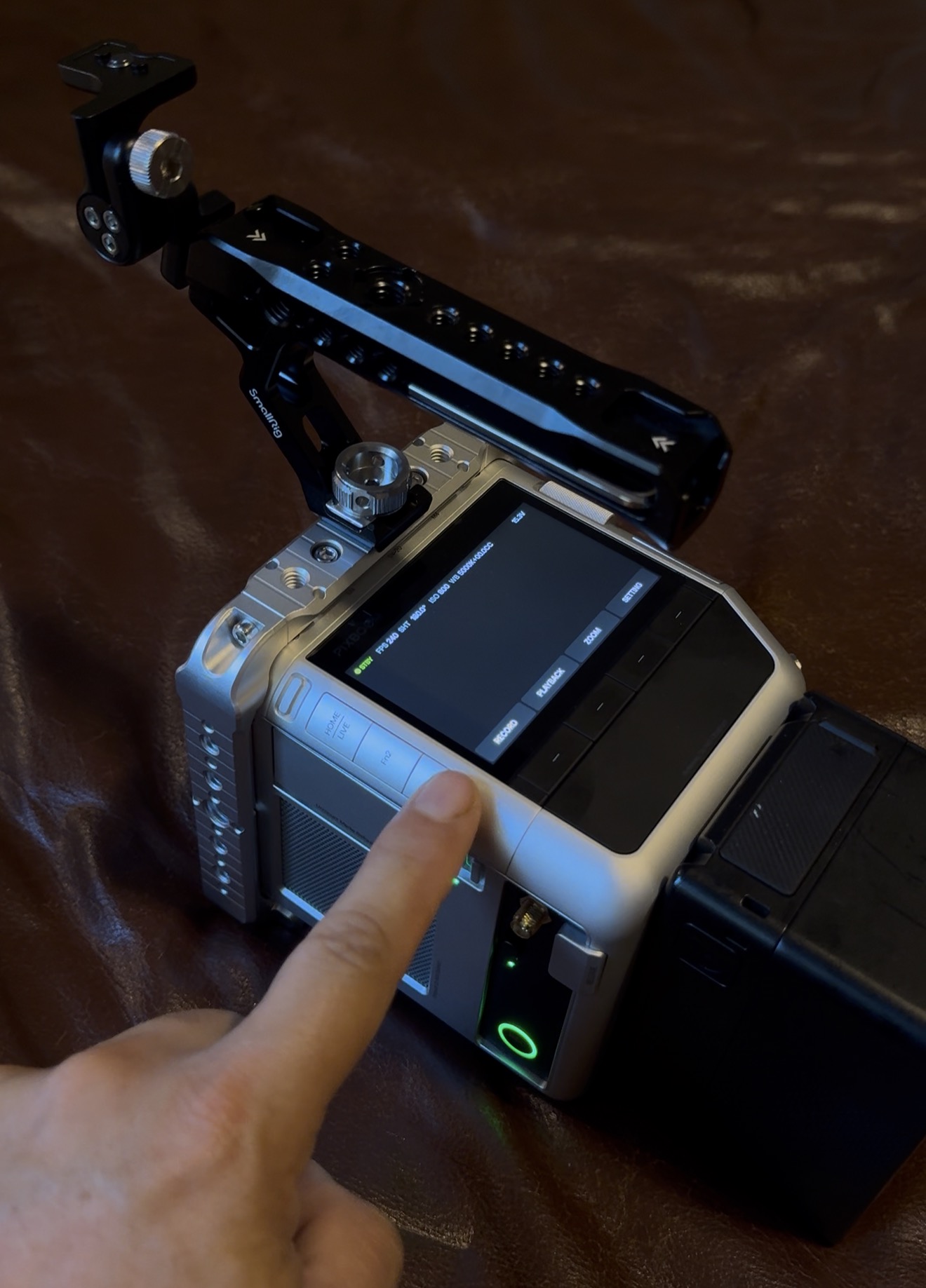
Please help! My camera is stuck in Wi-Fi mode. I can only change certain settings when connected over IP, but the physical camera menu remains frozen even after rebooting the camera multiple times. None of the physical buttons or touch screen are functional.
First, please make sure an SSD card is inserted in the camera. Once the camera has fully powered on, press and hold the Home and Menu buttons together for about 5 seconds.
It should restart automatically and clear some user configuration files. After it reboots, please check whether the touchscreen and physical buttons are working again.
Thank you for replying to my message. I tried the suggested steps twice and the camera is still behaving in the same way. The screen and hard buttons are still locked. I can only control limited features when connecting with wifi over the IP protocol remotely.
Thank you for the update. After performing that step—holding the Home and Menu buttons together for about five seconds once the camera was fully powered on—did the camera restart at all?
Thanks for confirming. I’m unable to view the video attached to your post in the community. Could you please upload a photo of the camera’s screen showing the interface you see when it boots up? Thank you.