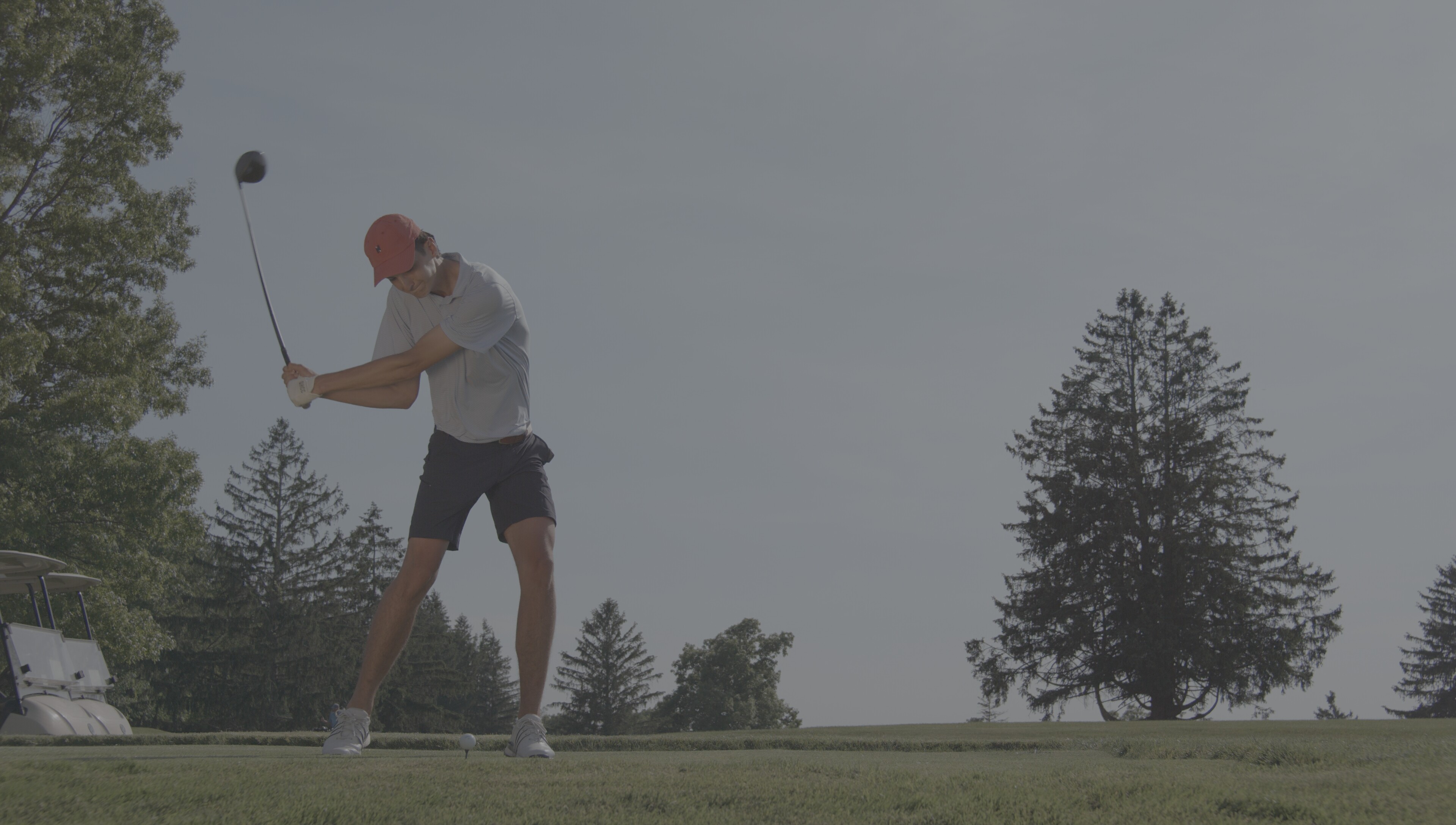
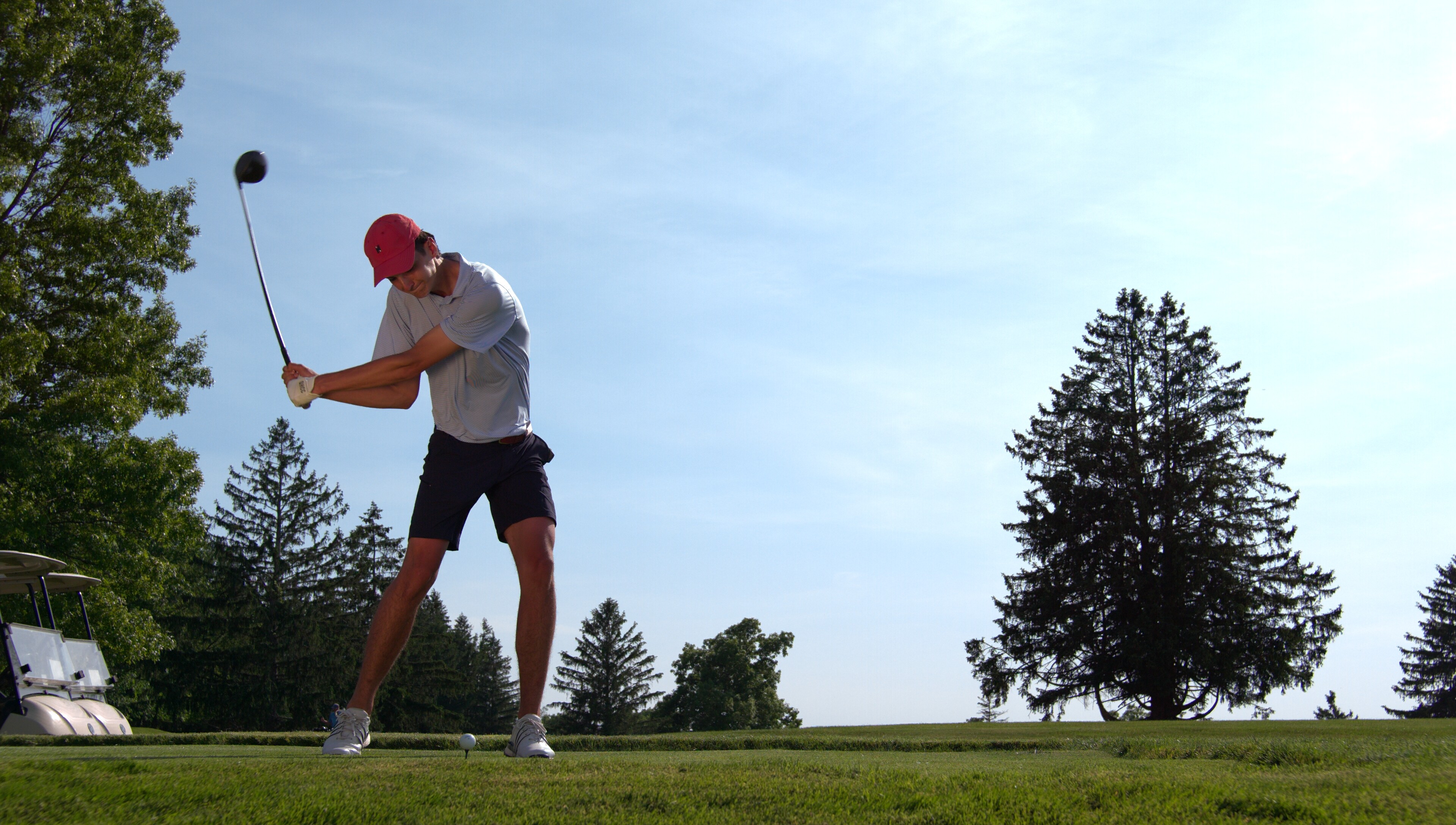
Sorry I haven’t been posting all sorts of tests and content, This camera arrived right at PEAK busy season for me. I have to give a shout out to the one’s that have been posting up a storm though. I am sure many appreciate it. I have pit crew access to a car race this coming weekend and I intend on just shooting with the spark in an abundance of ways and frame rates, keep an eye out for those names as well.
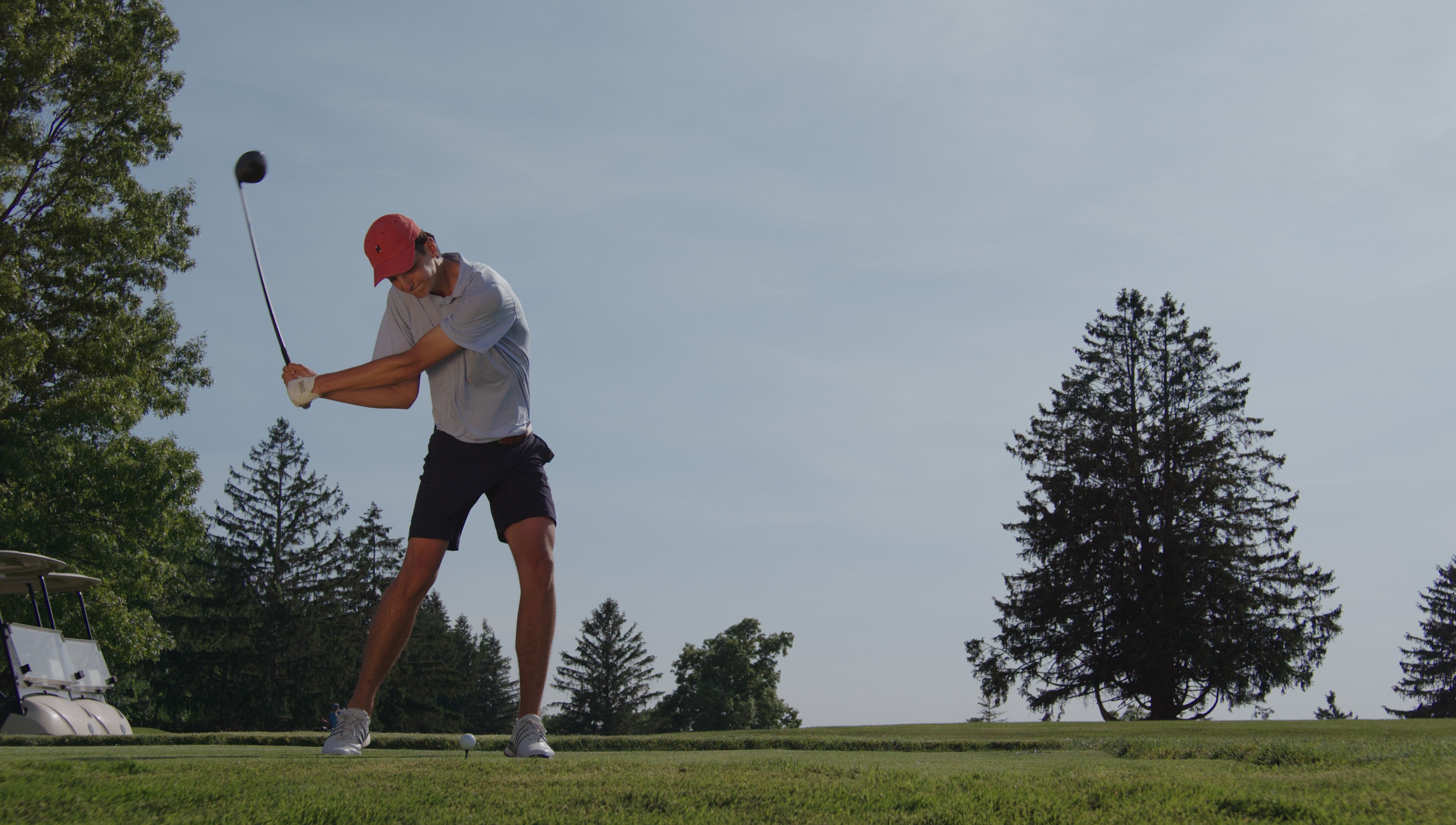
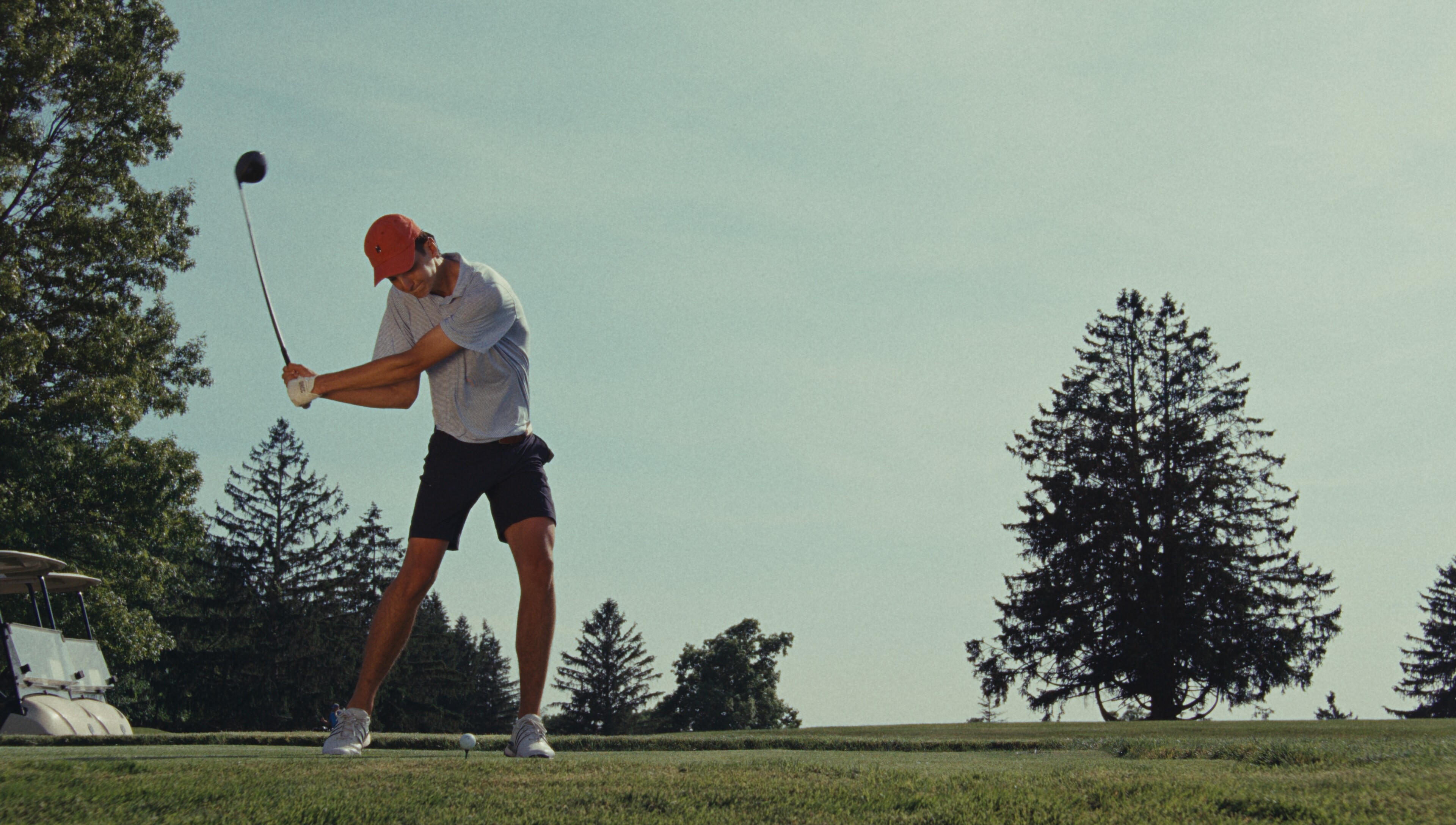
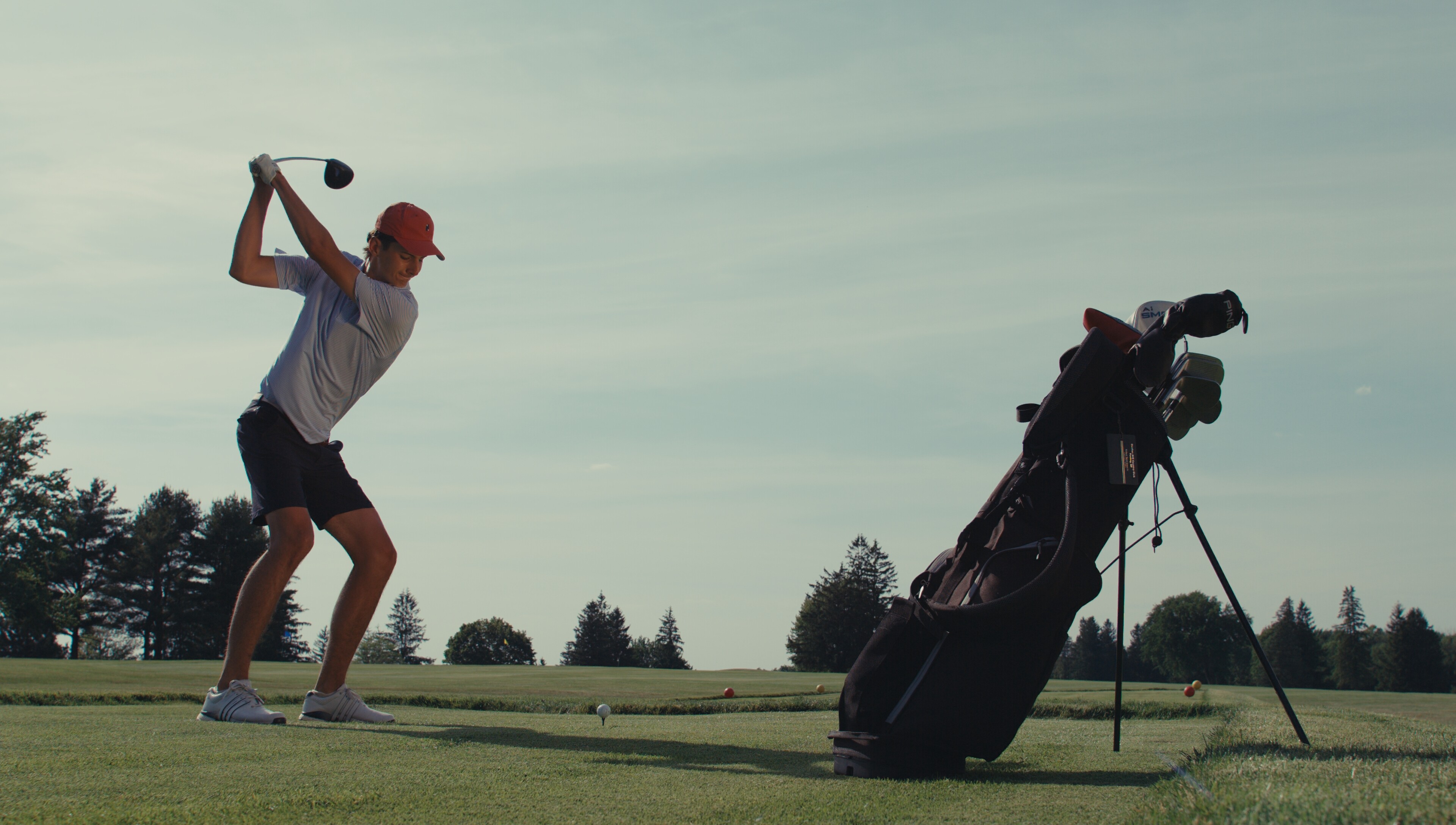
Here are a few quick shots I took at a local country club. It was around 5pm and I only had a gold 36’’ reflector with me so RIP those skin tones. Shot on 20-55mm DZO Pictor Zoom, around F4 / ISO 400 for everything.
I managed exposure via false color on a SMHD U5 monitor and tried to kiss it right to the edge of clipping. As you see in the DNG’s the full sky is retained where in the H265 it is not. I do notice a fair amount of moire on the older man’s golf shirt, unfortunately I think this moire is going to be a love / hate relationship with this camera.
Feel free to test away on any of these clips, I do ask that you keep these files private to our community. I recommend you look at it in list view and then just download the folder you would like to see. The H265 renders are done with zero adjustment in the software. I included the PXBC files if you wish to test exports etc.
Yep, I hope to do a proper rating of the sensor this week but we shall see. I am curious why the H265, ProRes exports when untouched have a slight clipping in the sky yet when I see that very same frame on the DNG export it’s not clipped at all.
Another odd thing is the DNG does appear to be clipped when viewing on my 2025 MBA however Not when viewed on my 2021 MBP Max. Maybe it’s just how Mac OS is reading the highlights.
Thanks for sharing the clips. Yikes! I was looking at the older gentleman’s shirt and the moire is very noticeable. Bummer about the moire. I was really hoping Pixboom would have added an OLPF to help reduce aliasing/moire since I was already noticing it in earlier footage from last year. It will def. be a love or hate thing when it comes to high fine detail areas. Other than that, it is very sharp.
Drop them a line about it, I sent off a quick email yesterday but likely you know a more direct way to contact them. I am sure a few of us would happily be beta testers for the filter
Thanks for sharing these. Super fun to play around with.
Initial thoughts: footage comes in very high contrast, very sharpened and with way too much midtone Detail. Oddly it starts feeling very artificial quickly Skintones are tricky - with this specifc footage things are going very orange, very quickly.
Sharpness turned to 0 and MTD to -20, things start looking a bit better.
Any chance you could share that first image with the native Pixboom color (with the high contrast, over-sharpened, and too much midtone detail)? It would be nice to have a reference point of where the footage natively started compared to where you ended up.
The CA could be coming from the Pictor Zooms they are not the best glass CA wise, The Race I am shooting on Saturday will likely be using my Vespid primes and those are much better.