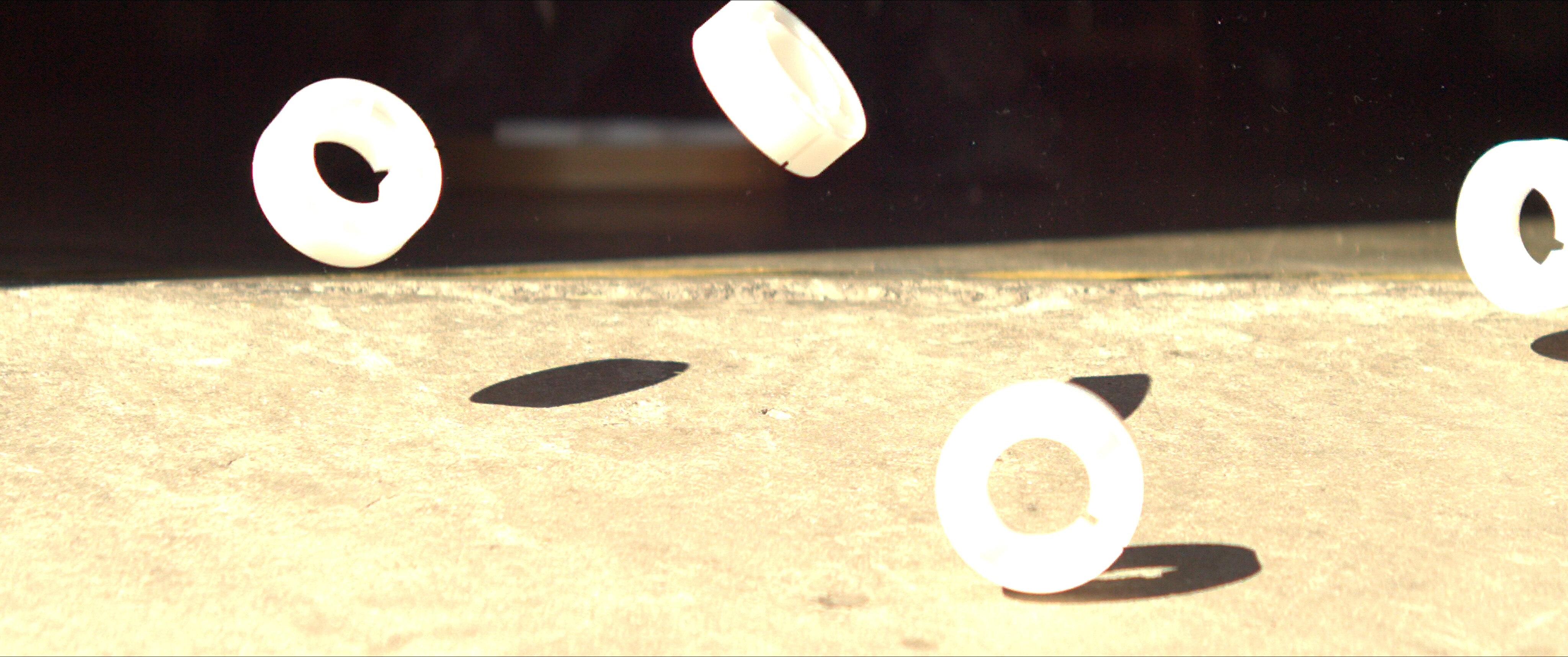
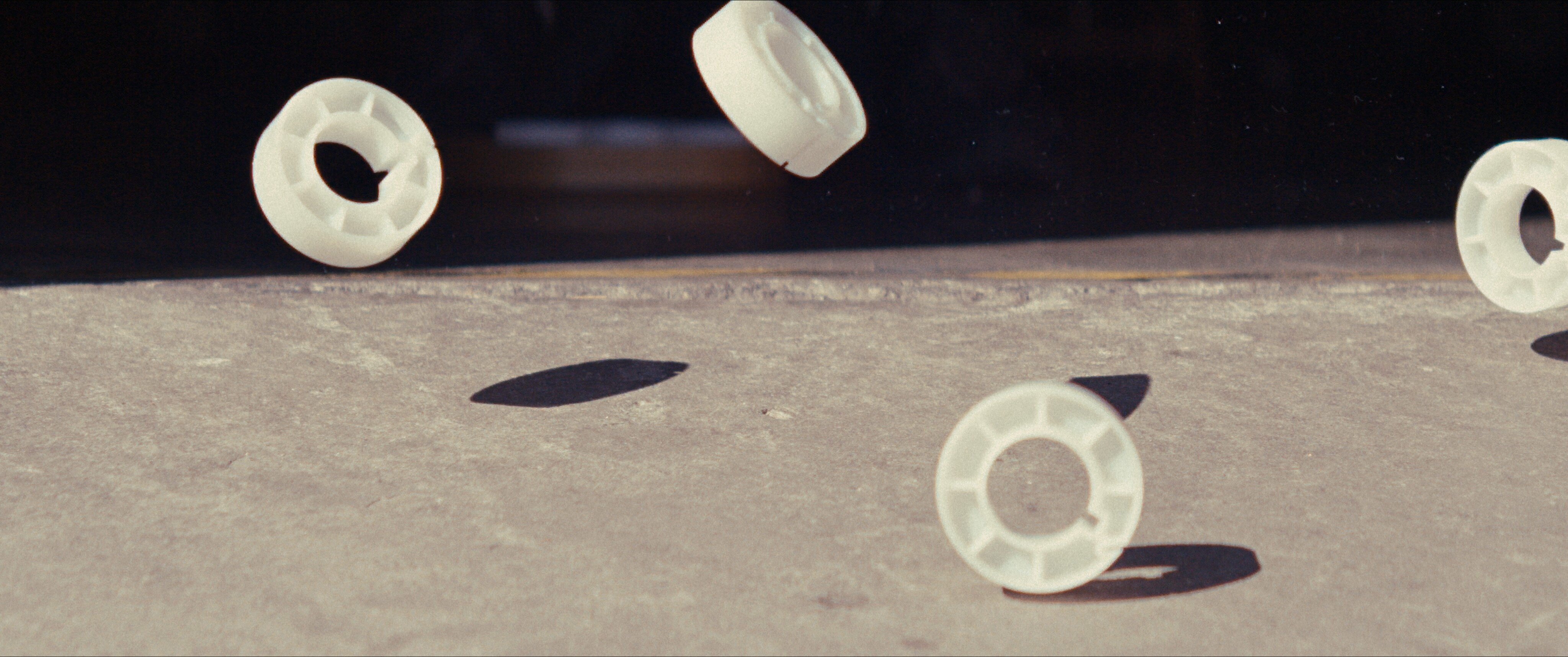
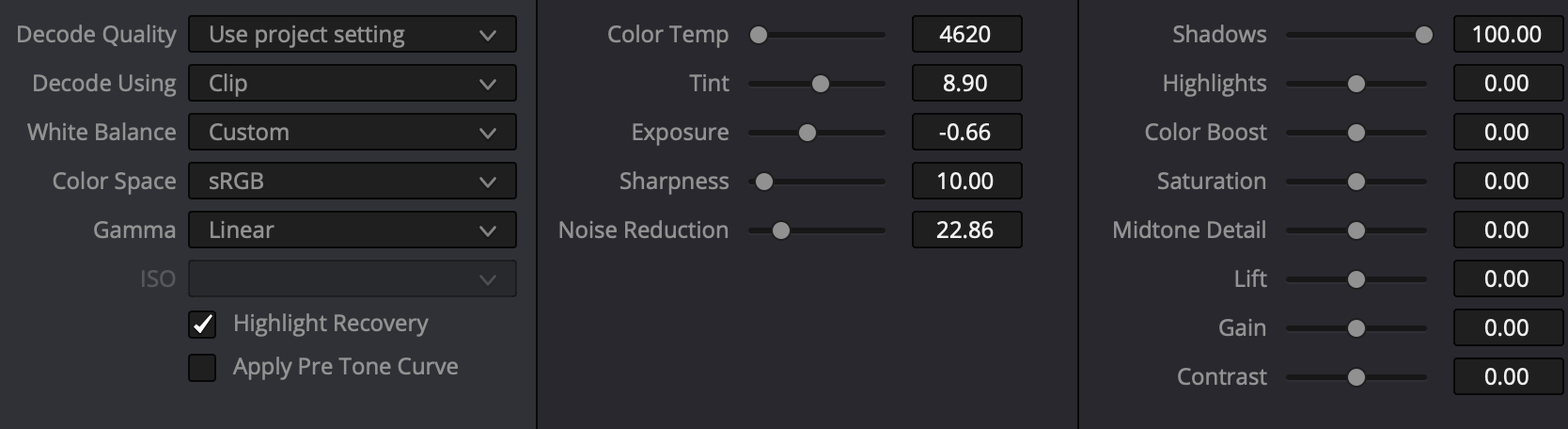
It was clearly clipped when I shot it but did not look quite as bad. Once set to LOG and with my quick Slog3 transform + a creative LUT, things look really nice. No detail lost.
My question is: how can you confidentially exposure and know that your highlights are not clipped. Obviously underexposing until nothing is clipped in Rec709 preview would result in a massively underexposed image and create noise issues.
There needs to be a LOG preview that matches the BMD Film Log that Resolve gets.
Preferably a Cube LUT could be loaded - worst case the LUT could be applied in-monitor.
A highlight clipping indicator (like RED has with its goalpost or Sony coloring clipped areas of the image red) and a False Color a la EL Zone would be insanely helpful.
Nothing worse than blown highlights and with cameras that already have a limited DR, really nailing exposure will be crucial.
Last but not least, I just ran a very rudimentary DR test and it appears that DR stays consistent between 400, 800 and 1600 ISO. So the camera is indeed not what a traditional Dual-ISO camera would be. Each is a native, analog ISO without any gamma-redistribution like you’d experience with most modern cameras (Alexa, Venice, REDs etc). Need to do more testing but thought this was an interesting finding to share!
Yeah that’s what I was saying; the image (and your Atomos false color) will be clipped when the information is indeed still all there in the raw. So it’s an absolutely useless and unreliable way to judge your actual clipping point.
interesting Re: linear.ill have to dig into it. Have you tried BMD Film Log + the colorspace transform to something like Slog3 or LogC3? That’s been my ticket so far!
Hey there, thanks for renting my camera and I hope you had fun with it! It’s pretty crazy just how much highlight information gets trashed with the current 709 implementation. I’m hoping, at a minimum, they’ll add some exposure tools to help us better judge when we’re actually clipping highlight detail. Giving us a LOG image (that we can add a LUT to ourselves) would be ideal.
Ok, so I feel like the most basic person on the planet right now
For some reason, I thought the camera was only capturing 10 bit for now, and that the raw capture was coming later (I think I was confusing this with the plans for internal ProRes Raw).
I completely ignored the CDNG option as I assumed it was just for people who… wanted to transcode the 10 bit footage into a CDNG sequence for some reason
So I’ve just re-exported one of my early test shots where the sky is largely blown out, and oh my word! The amount of highlight recovery in there is absolutely wild.
Would love to know how many stops are captured above the rec709 clip point. Perhaps this could help us monitor the exposure in camera too?
But for now, I just wanted to say that I’m an idiot! And thank you for clearing this up. Because this literally feels like a brand new camera now. This camera has affectively just gone from 6 stops to 13 stops in a heartbeat! My test footage has just been transformed from the early 2000s digi cams, to present day cinema cameras!
Unbelievable “upgrade” I’ve just got for this camera Thanks so much for the heads up.
There is a 12-bit option in the works, though it will only be available for lower frame rates. The image quality even in 10-bit is very good though, so that’s at this point just icing on the cake.
But it will also turn the camera from a viable to a rather nice A camera for smaller productions.
Even without on-board audio, it has time code, so it’s fine for filmmaking. Maybe not ideal for interviews, but that’s a pretty minor down side IMO.
600fps in 12-bit will probably be feasible at a low enough resolution; since 12-bit cuts the maximum frame rate in half, just look for a 10-bit option that gives you 1200, and that should approximate what resolution you can get 600fps in using 12-bit.
I don’t consider the 12-bit option to be at all essential, though it’s going to be a nice bonus feature. I still believe that the Spark will be able to function as a primary camera for indie film though. Pixboom did a very good job with the initial color science implementation, and it’s likely to improve as the developers learn from our feedback; a nice log curve and IDT for use in Resolve and Nuke will make it easier to make film looks for Spark footage.