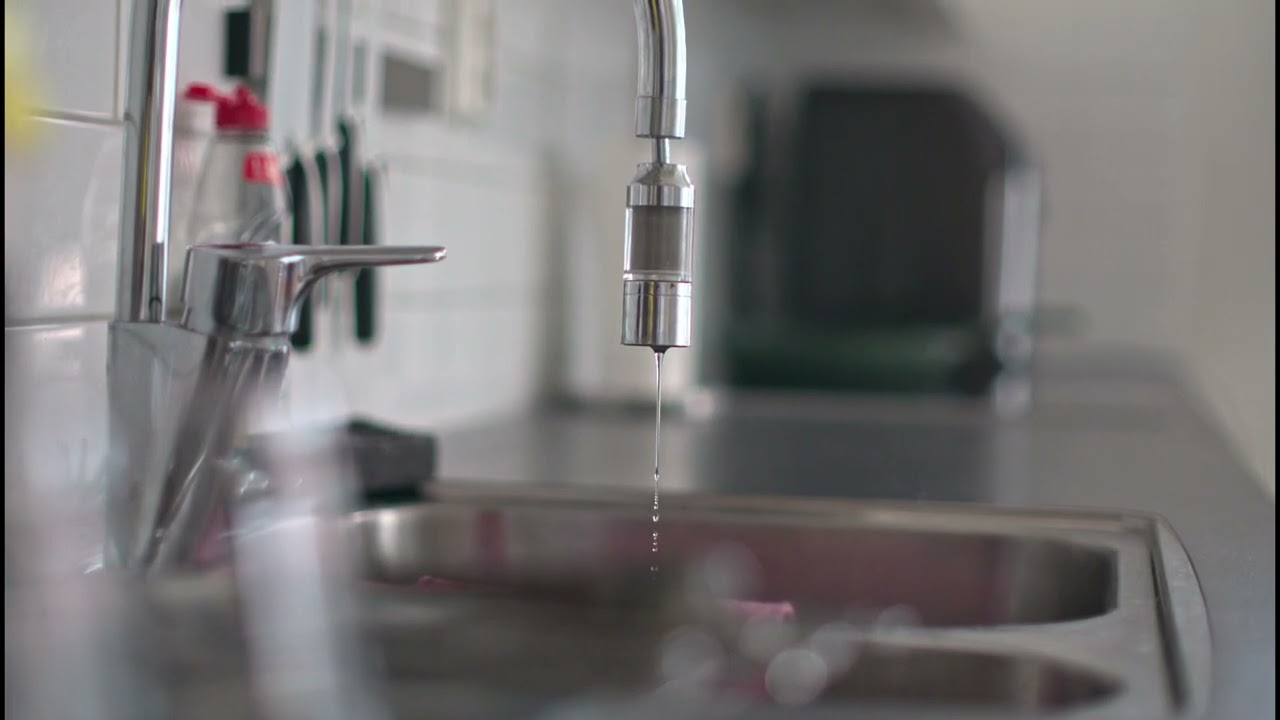
Got an 7Artisans 35mm T1.05 lens today. Pretty affordable at around 500 Euros.
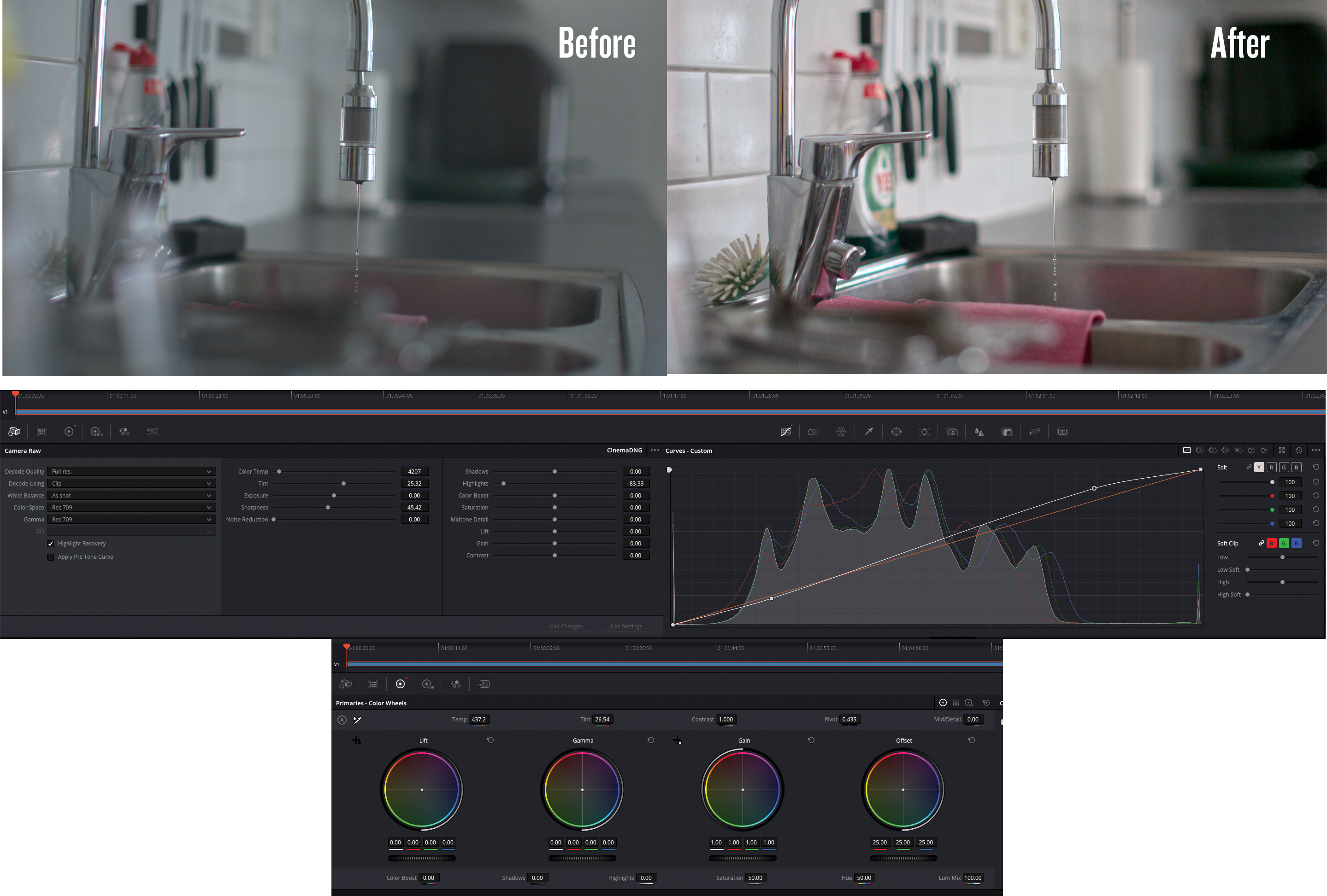
Now I tried converting the Pixboom pxbc file to a DNG sequence and made some adjustments in DaVinci Resolve. Definitely more dynamic range to play around with and easier to save highlights. I have never really worked with RAW before since ProRes has worked well for my needs, so this workflow is new to me.
But bringing the footage up 1-2 stops and adding some noise reduction can definitely help when the exposure was not perfect. I felt it was not needed in this case, so just made minor adjustments. Nailing the exposure in camera is quite important for maximizing the quality. I’d say this result is quite good when it comes to noise levels at ISO1600.
Camera settings:
3840x2160
937 fps
T1.05
ISO1600
WB4500K
180° shutter angle
Natural light from a window, shot handheld
Link to the pxbc-file if anyone wants to take a look: https://we.tl/t-frJb4pND65zXudoY
Question: I had a chat with ChatGPT, and uploaded on the frames in the DNG sequence. It says that the resolution in the metadata says 3840×2176, but the filename and info in Pixboom Cine says 3840×2160. And when I put the clip on a 3840x2160 timeline I get black bars on the left and right side. So it seems that the DNG sequence does not become 3840x2160. Anyone knows what the reason for this is? (this is not the case when exporting from Pixboom Cine straight to ProRes)