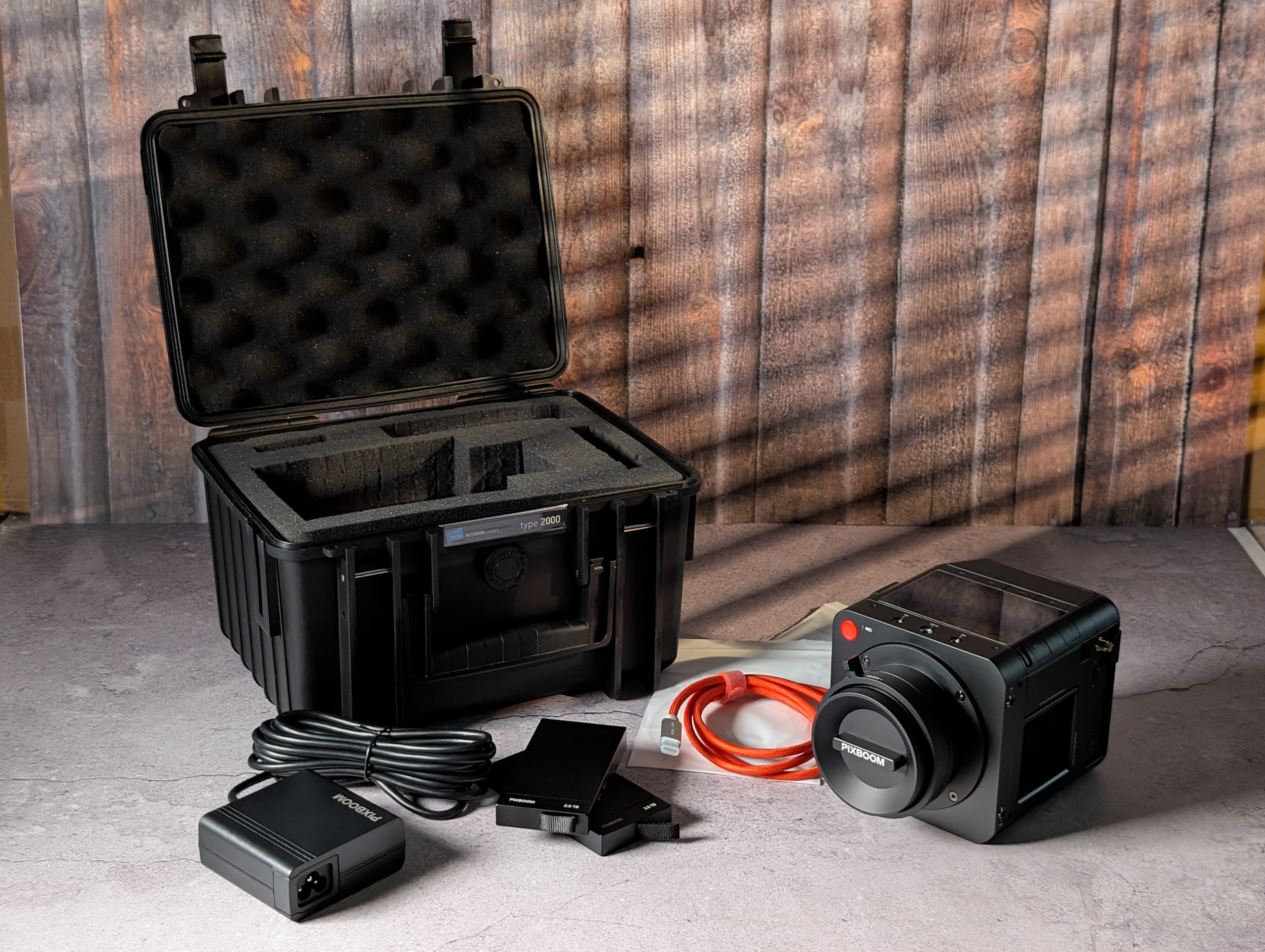
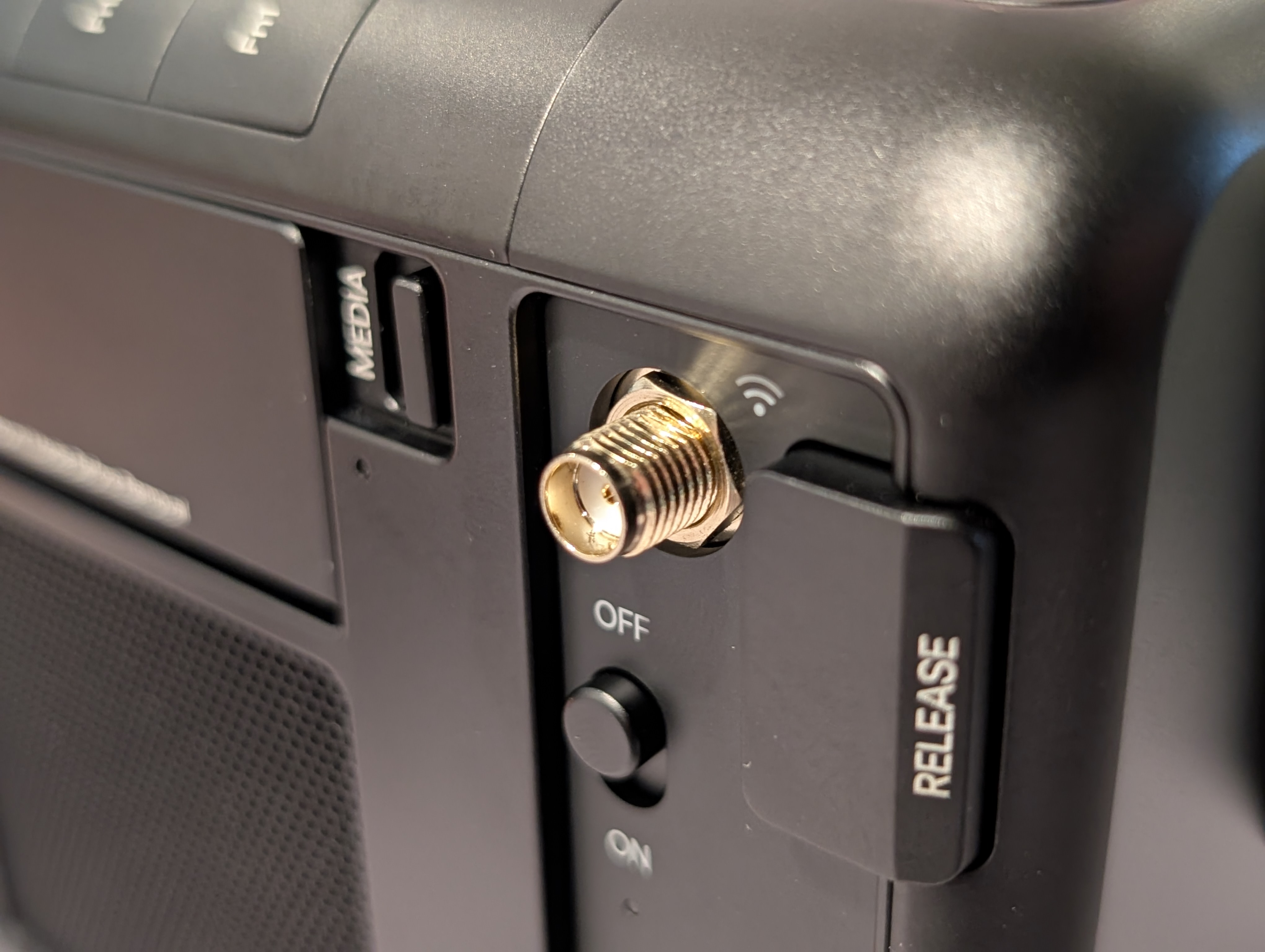
I’m delighted to say my beautiful camera has safely arrived in New York, USA, and I’ve officially begun the journey of its first build… and soon, its first real job. I’m already noticing improvements compared to the NAB builds.
I figured I’d leave this thread here for anyone wanting quick tests, observations, or answers before your own camera arrives.
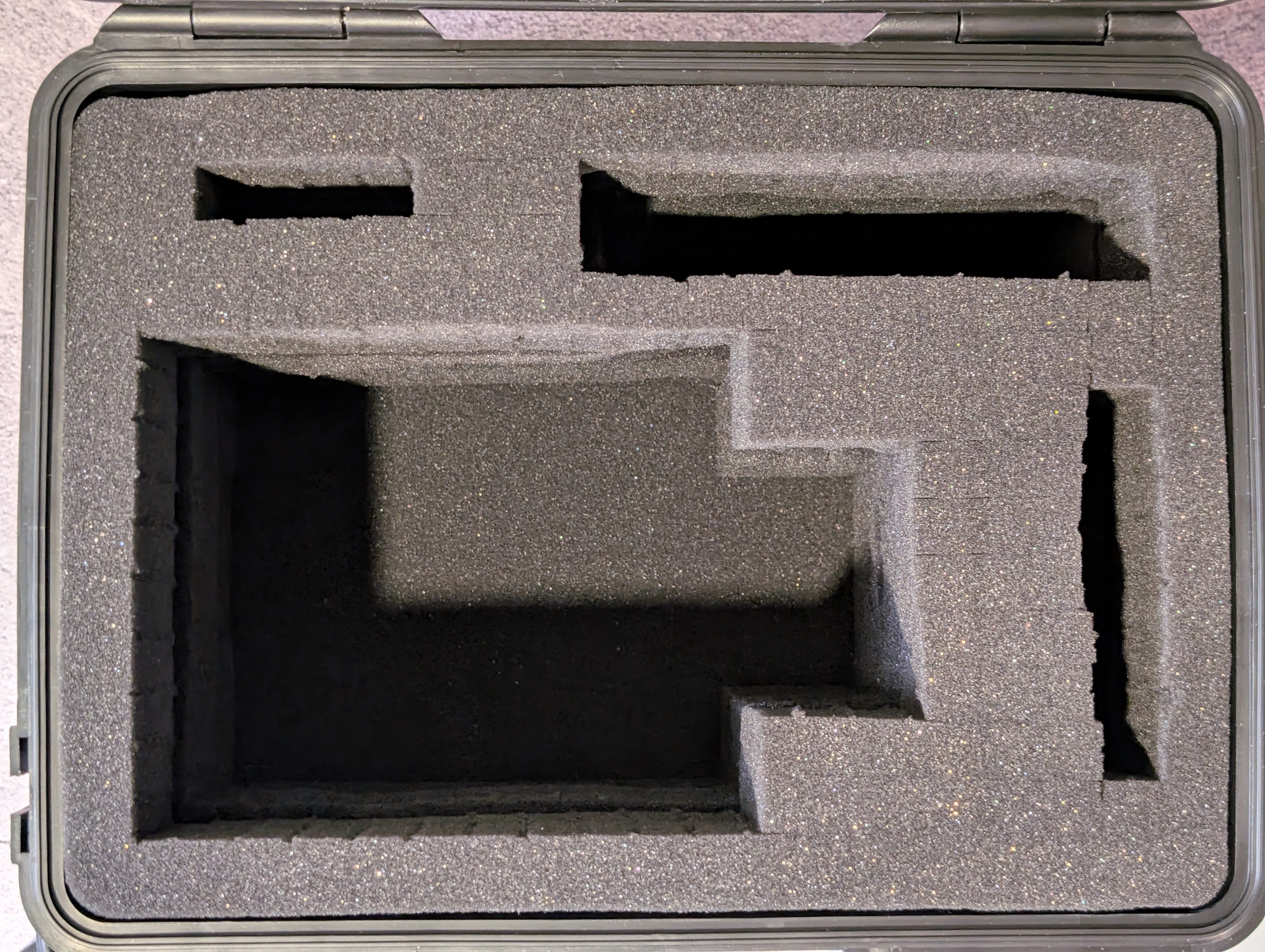
First thing I noticed was how incredibly well this was packed. Considering it spent a week outside of Pixboom’s control, DHL handled it surprisingly well. There was only one small dent in the cardboard. Other than that, the box arrived in perfect condition.
I was reminded just how beautiful the silver finish is in person. I briefly thought I may have made the wrong choice, but as a RED Stormtrooper owner, this silver fits right in.
It ships with the fan set to FULL… so yes, it will sound like a jet engine on first boot lol.
The internal display lag I noticed at NAB is GONE. I’ll need to run proper tests to measure the actual latency, but subjectively it now feels on par with my RED cameras. Thank you!
The menu system feels very snappy. Please keep this same speed and lightweight responsiveness when the new UI ships.
So far DHL has not fleeced me with import fees… although they are famous for sending those surprise charges 2–3 weeks later.
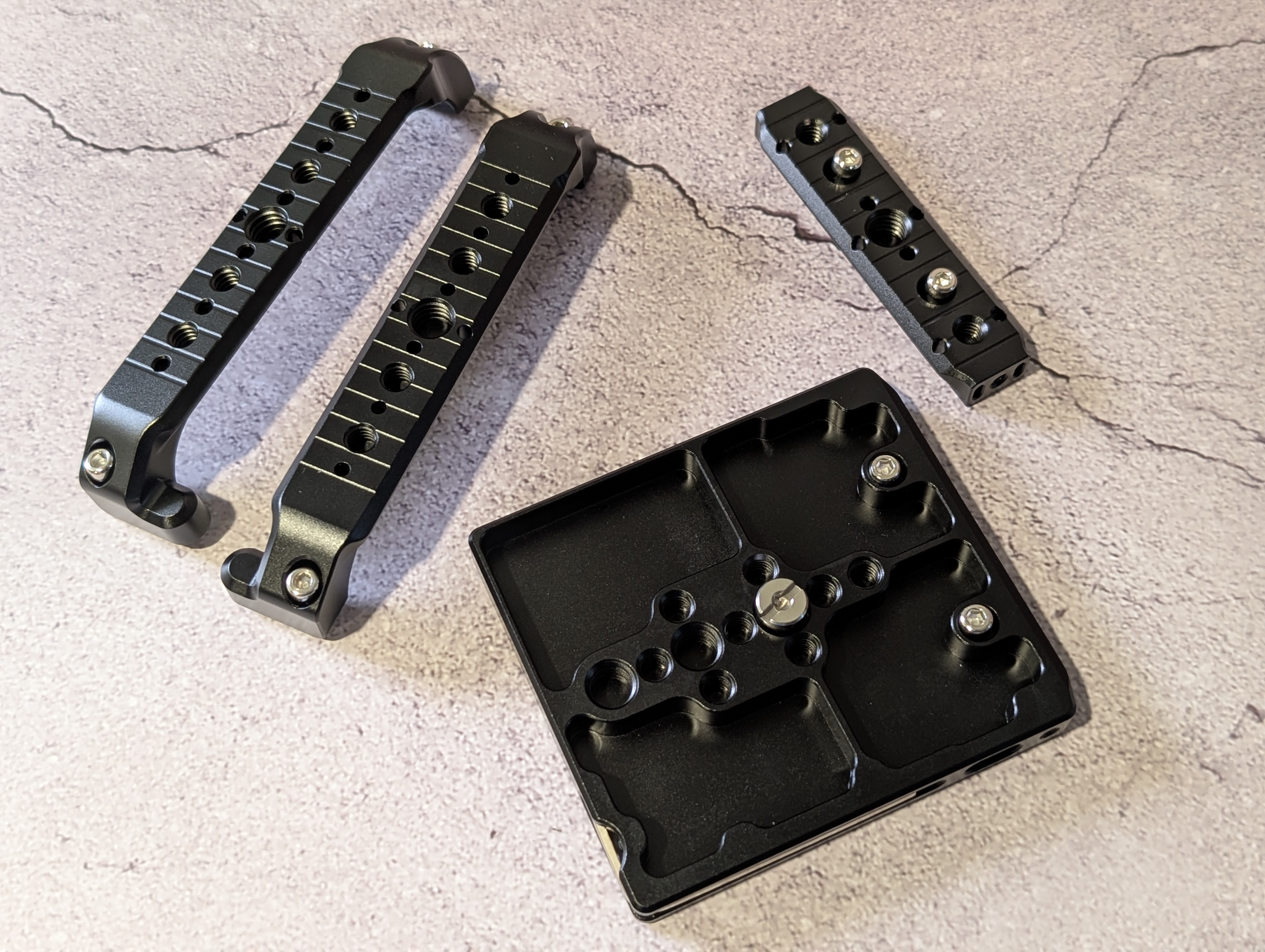
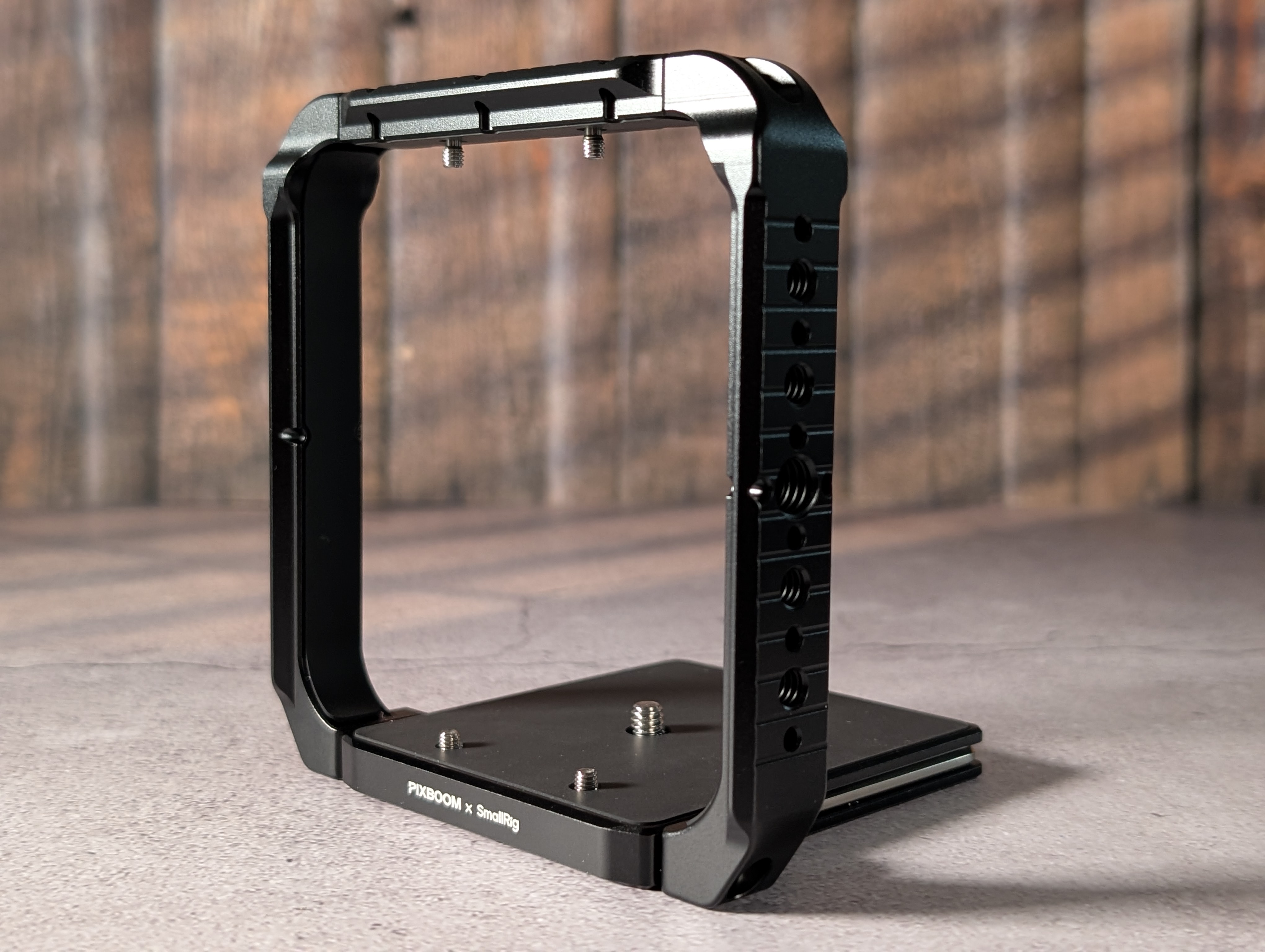
The SmallRig cage is excellent. It comes in modular pieces, similar to the Komodo “Timmy Ribs” style design.
The EF mount is awesome and very tight. I have PL and E mounts arriving soon as well.
Currently using the SmallRig VB99wh SE V-Mounts and in Standby mode the camera is pulling about 34 Watts, and in 4K / 791 FPS Low Fan its pulling 40 watts. So I would say just the camera you can expect about 2.5 hours per 99wh battery, assuming no other AKS plugged in.
Very little visually seen input lag on the HDMI, using a SMHD Ultra 5… it’s very fast but I can see it on quick whips.
Nice! So which backer number and did you get a trackingnumber for shipping? I am wondering cause i am #14 , already confirmed shipping address on May 20th and still no shipping sign… but i am happy for you! Have fun!
I was #6 and in that first release shipment, and yes they promptly supplied a DHL tracking number when it was available. From my experience they will tell you / email you when there is news to share and it will be prompt. Hope you get yours SOON! It’s awesome.
Curious time from. Tracking number to arrival time in the states.
also if you have PL mount I’d love to know if you have any lenses with rear lens element issues mounting to some pl mounts. As new lens manufactures have come to the game I’ve noticed some lenses have long protruding elements and sometimes don’t play with some pl mounts (like the Triassic 35 and 50mm or my rehoused mamiyas when using a rear speedbooster element on Alexa mini)
Exciting!! Send some test clips! Curious to have somebody run some DR tests at different ISOs to see if the gamma shifts at all. Just testing 400, 800, 1600 and 3,200 should be a good test to start. Primarily interested if the highlight roll-off and highlight retention change at all.
While I don’t think this is a metric that really matters, since Pixboom will be ramping up email confirmation to dispatch times… I was notified by email on May 4th asking for my shipping confirmations… And then I received my DHL tracking on May 19th, DHL Delivered on May 26th … I would guess it would have been delivered May 25th but that was holiday.
That’s great to hear Swiss! When you get a chance to shoot, could you let us know how the aliasing/moire is with fine detail in 4K and 2K mode? Only if you can and when you have time. So happy for you and glad the shipping/delivery process was smooth. Thank you!
Just got mine. It arrived with an EF mount as well, even though my initial shipment was supposed to be E mount and the other two to follow. I’m guessing it might have to do with the reworking Pixboom mentioned that needed to be done to some mounts that didn’t pass QC, but it would have been nice if they had at least messaged me letting me know about the change, assuming it was intentional on their end. I emailed just to make sure they don’t send me another EF adapter with my second shipment, and send the E adapter instead.
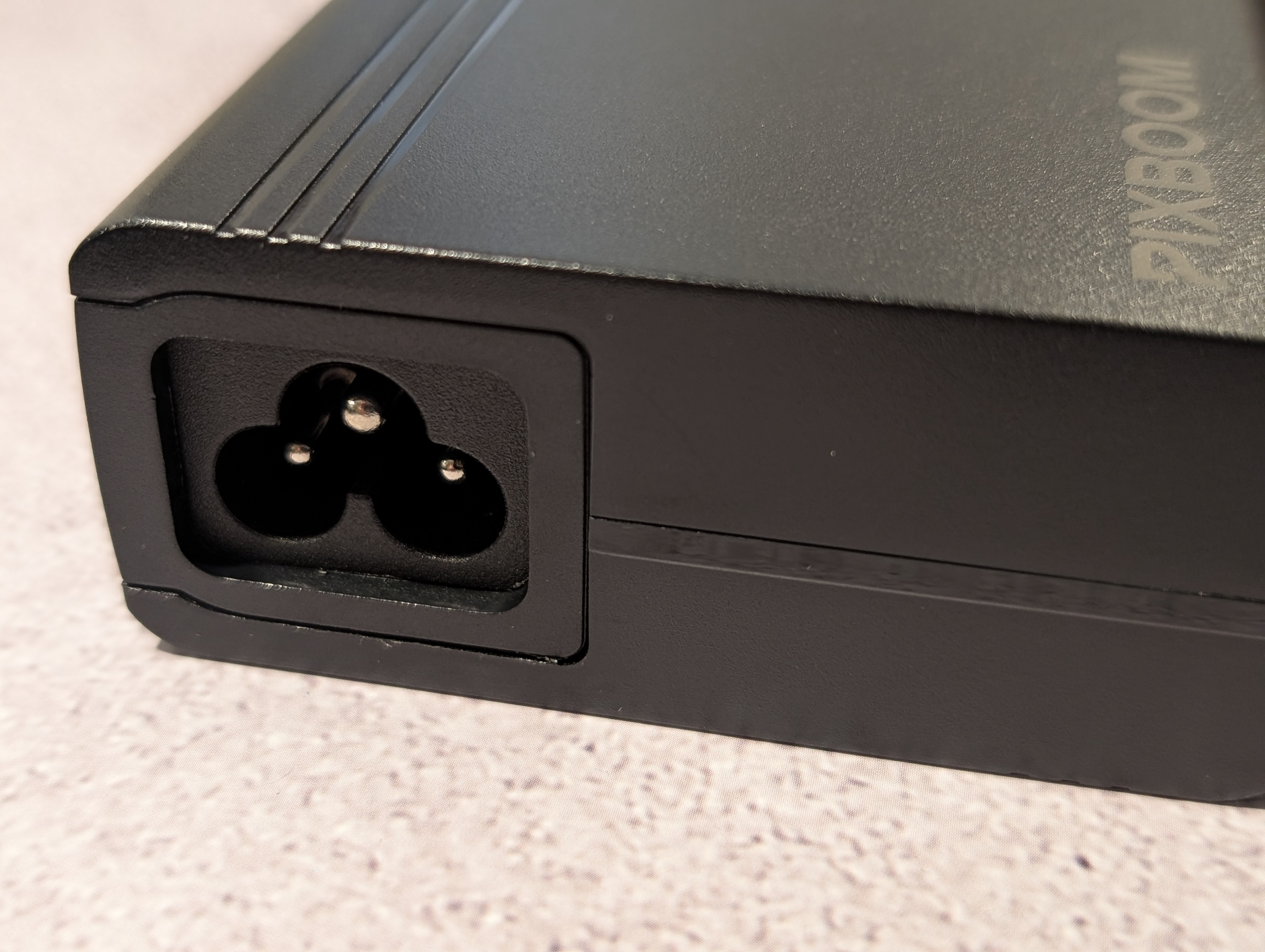
My camera also arrived without the wall plug part of the AC adapter. To bad it’s not the more standard OSHA plug, since I have plenty of spares. In the meantime, I’ll steal the plug out of my Komodo kit.
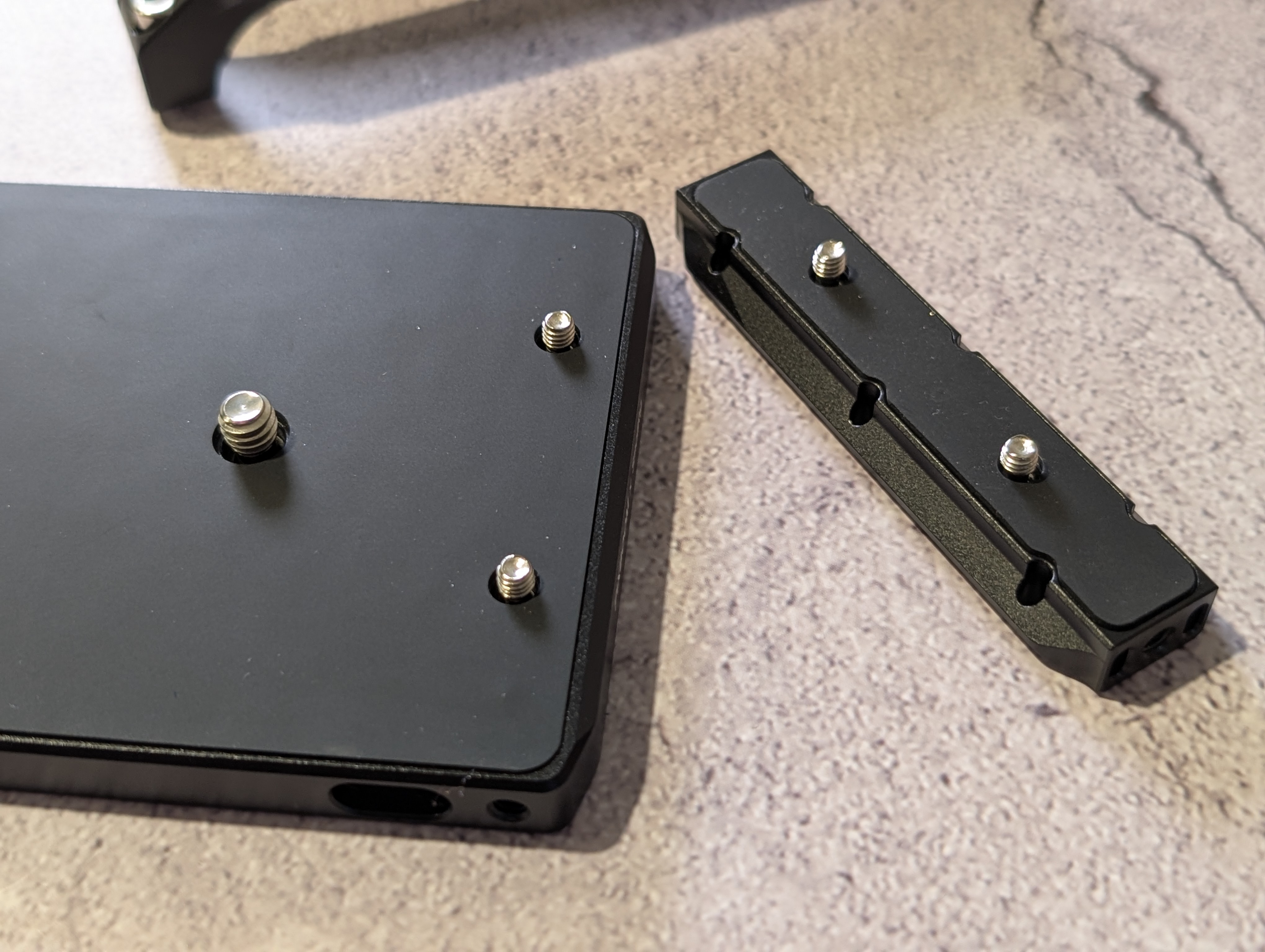
The cage parts all have rubberized inserts so they won’t scratch up the camera. The side ribs are NATO rails, though the rail gets wider at the top so you have to slide things on from the bottom side (I guess if a NATO handle comes loose, it won’t accidentally slide off the top, but will hit a stop). The side rail does block the POGO pins, so you’ll have to remove it to use and accessories that interface there.
The 1/4-20 and 3/8 threaded holes have solid bottoms, so if anybody uses a bolt that’s too long, it’ll bottom out in the cage and not into the camera body, which is something I’m very pleased about. My Komodo got screw damage on the first job I took it on when a grip screwed some rigging into it and the bolt was too long and marred the body, so it’s good to see this cage avoids that possibility.
The small bolts holding the cage together and screwing into the camera body are all 3mm standard. The baseplate does have a magnetically attached allen wrench, but it’s nice knowing it’s a standard size.
A few more notes: I thought my camera was DOA. Turns out booting it up without media already installed takes ~3m30s.
Boot time with media installed is ~30s. The first 15s the fan is on high speed but no indicator lights or the screen turn on. The next 15s the indicator lights turn on yellow and the screen powers up (though is still fully black). After the full 30s, lights change to green and the monitor is active.
Switching back and forth between live mode and playback is pretty much instant. No delay as it loads clips.
I am seeing some HDMI lag (a few frames) on my SmallHD Ultra 7 at 1080p30, but very little at 1080p60. I’m not sure if my camera is on the build that Pixboom reported would solve the issue.
I ran a few export tests with a clip shot at 2048x1152 @ 1724 fps. My laptop is a Macbook Pro 13" M1 with 8 GB RAM, so pretty basic. I picked a 20 second clip and ran an export all these ways (resulting file size in red):
All the conversions took about 4 seconds each except the PXBC Clip (somewhere between 1-2 seconds) and the upscale, which took around 20 seconds. So that’s about 5x normal speed for most conversions, and about 1x for the 2K to 4K upscale.
I also did conversions on a 47 second clip and got ~9 seconds for non-upscales (which is still about 5x), around 4 seconds for the PXBC clip, and right around 45 seconds for the upscale (about 1x again).
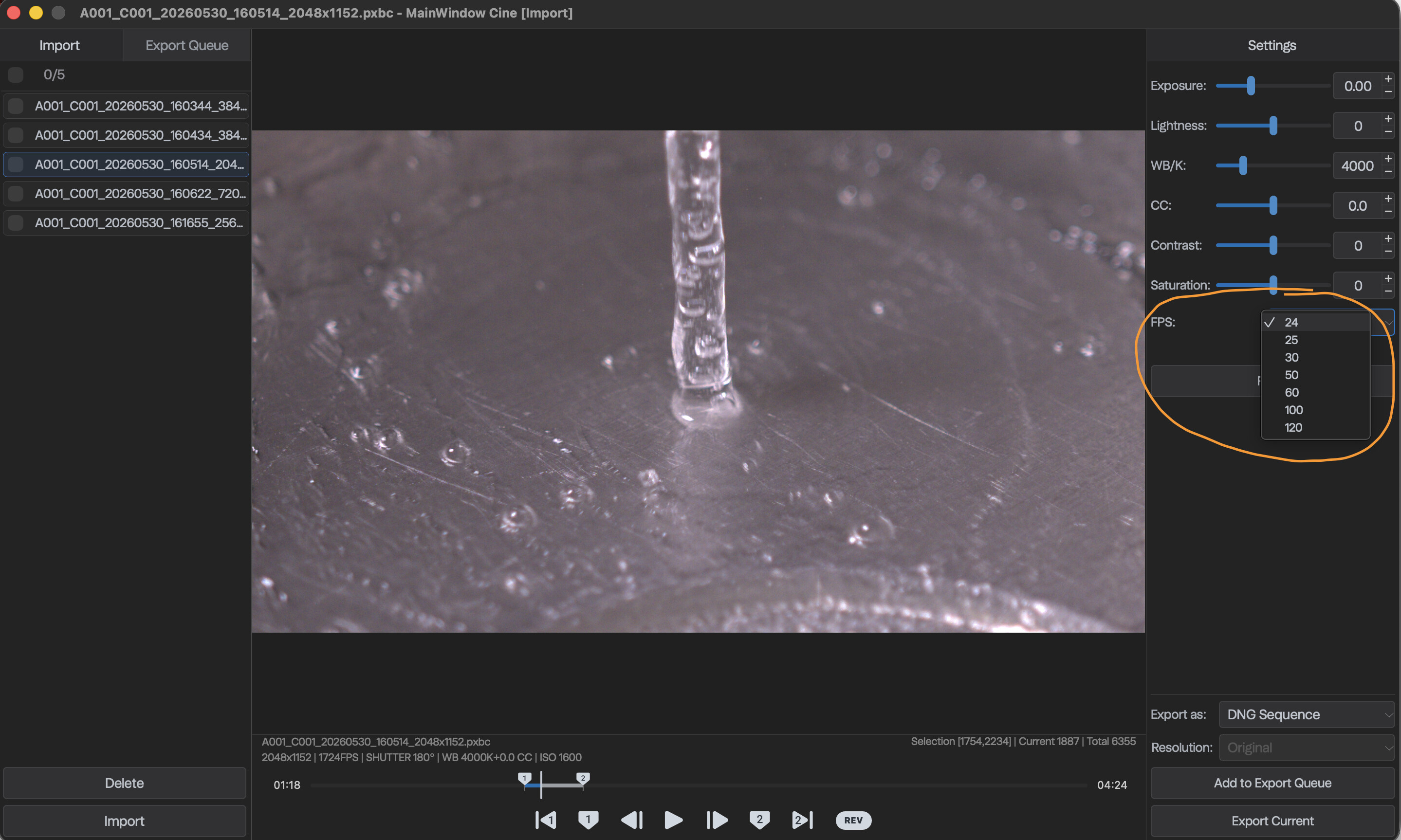
I had noticed that the camera currently does not have a base/project frame rate, but when you go to export you can choose your base frame rate at that point. The ProRes 422 HQ file I tested @24 fps and @120 fps both took the same amount of time to export and ended up the same file size. They just play back at different speeds (@24 maintains the super slow-motion while @120 plays back 5x faster, coming in at 4 seconds instead of 20).
So, with all that in mind, it looks like exports are not very intensive at all on Mac silicon at least. My laptop is almost the most base version possible as far as processor and RAM are concerned and the exports were fast and the fans didn’t ever spin up.
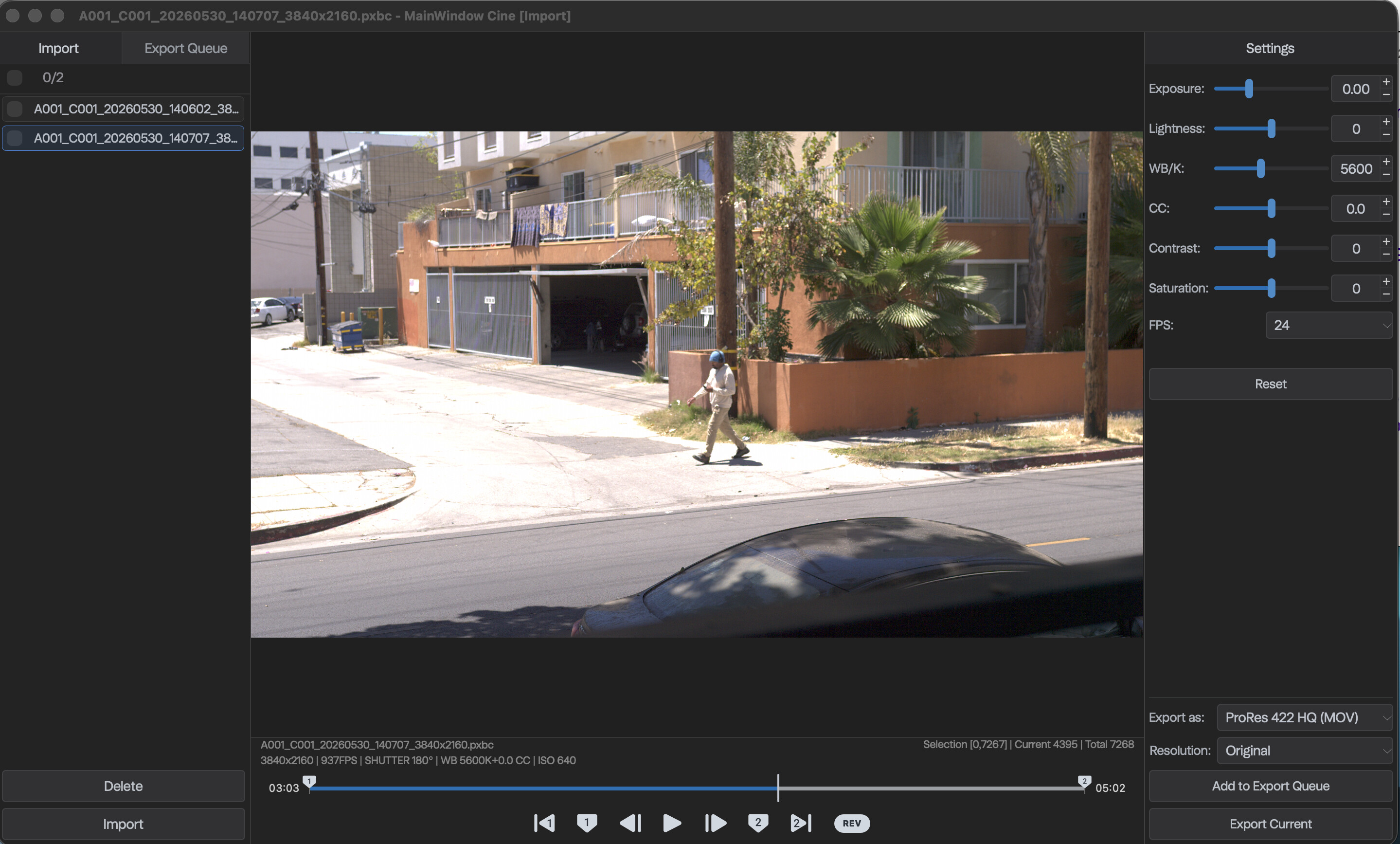
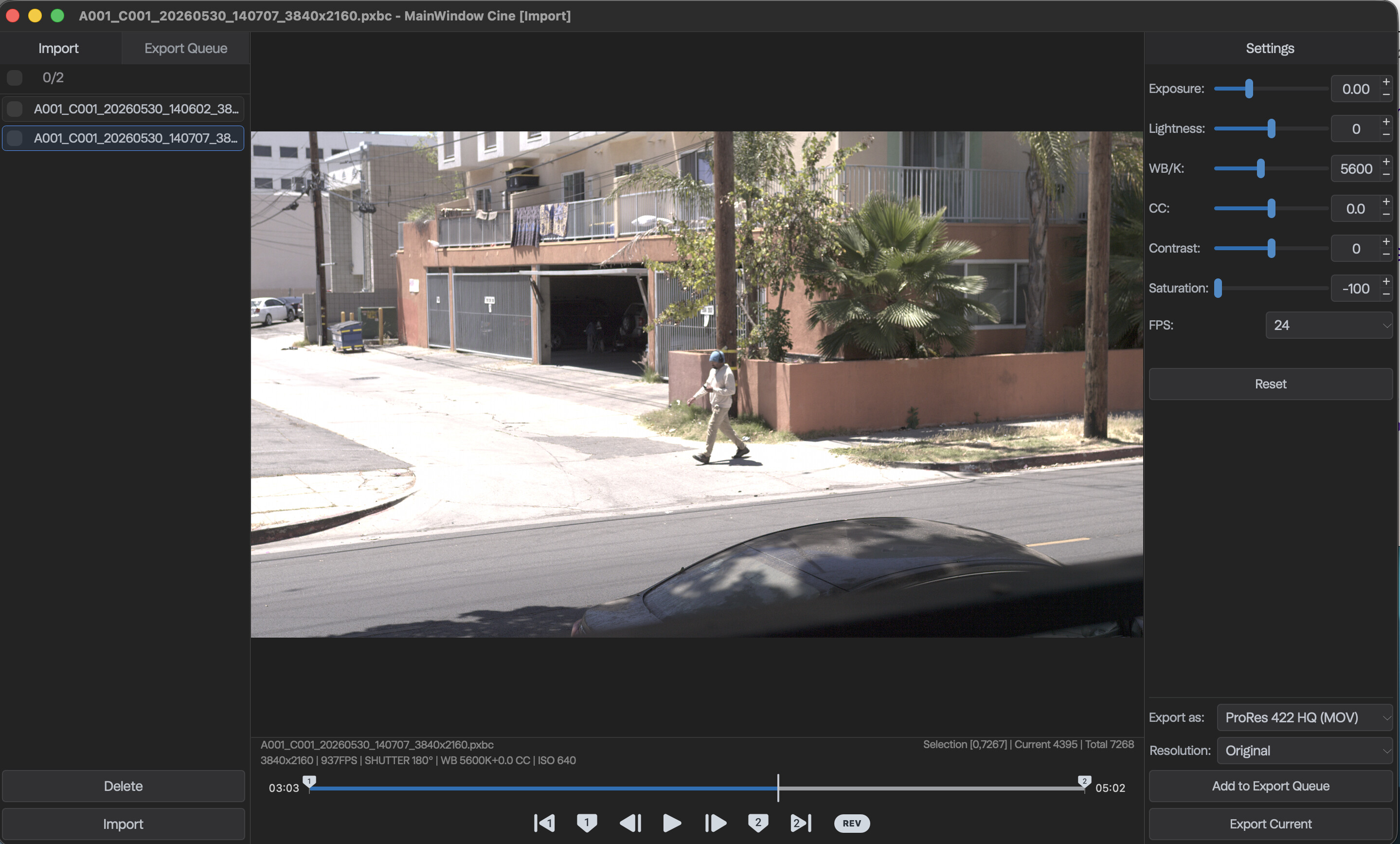
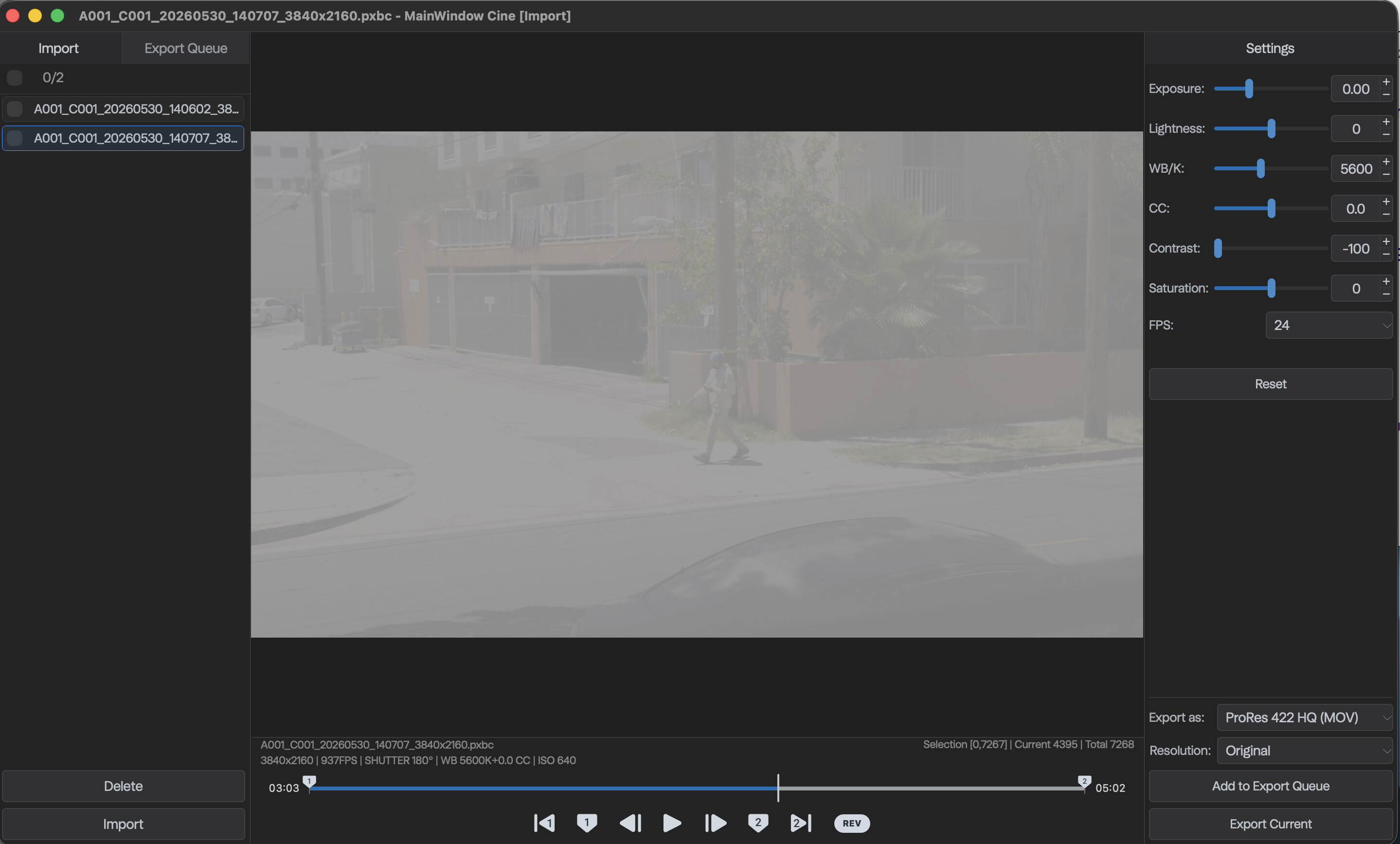
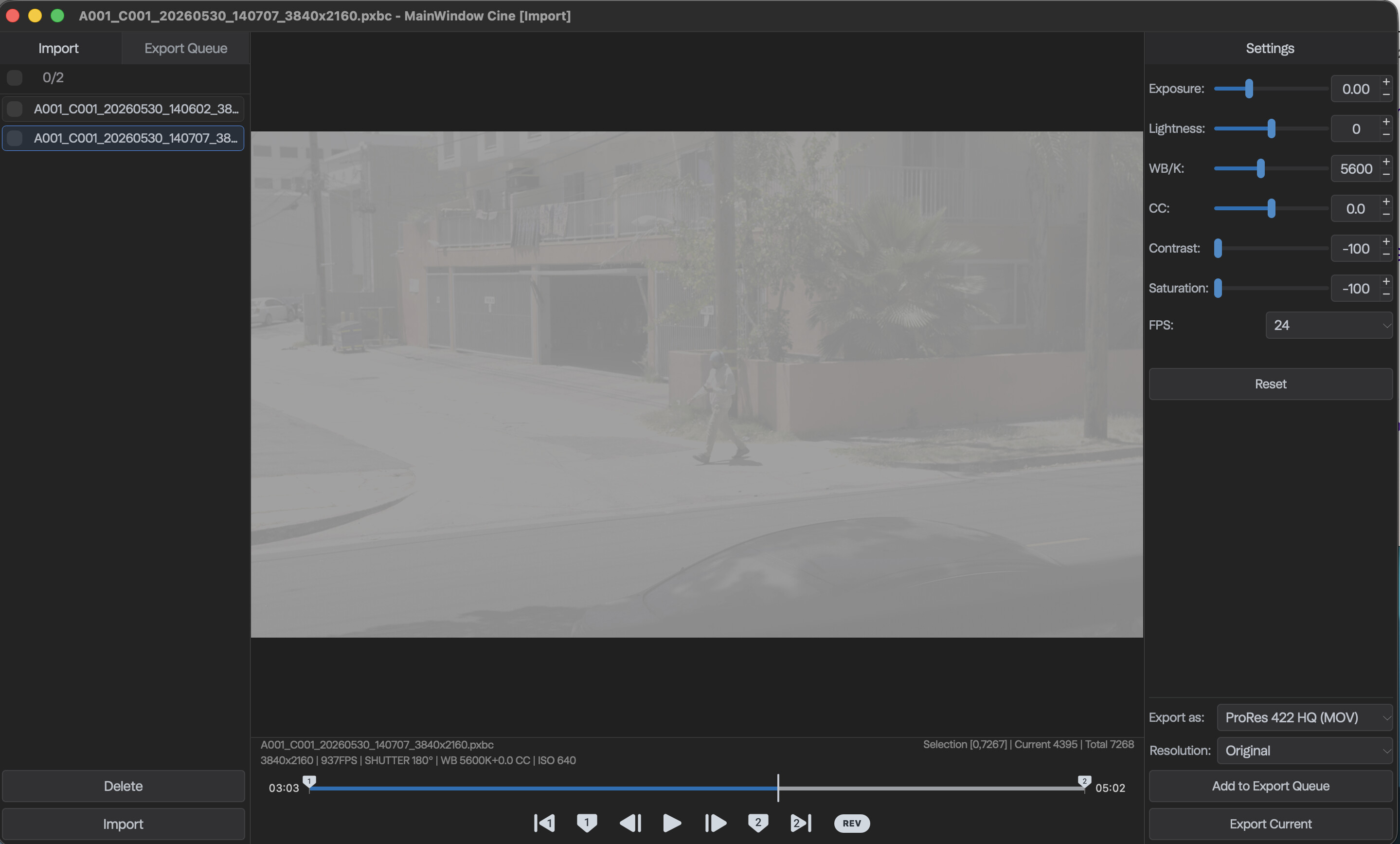
One thing I’m not sure about is how to export in a LOG color space, as the exports with the Contrast and Saturation settings at 0 have a Rec709 look to them. I can turn those two down anywhere from -1 to -100, but going all the way down doesn’t look like a LOG image so much as it does like sucking all the color and contrast out of a full 709 image. I could have sworn we were told the camera records in a LOG color space, but maybe I’m mistaken.
Thanks for the detailed first hands on with your camera! That’s good to hear about the M1 being fast enough. If I’m lucky to enough to get one of these second hand in a year or two, it’s nice to know my M1 MAX should be more than enough. Would you be able test how aliasing/moire is with fine detail in 4K and 2K mode? Only if you get the time to do it. No worries if not.
Anything from brick walls, chain-link fences, screen doors, roof shingles, window meshes, pinstripe suits, checkered shirts, and woven materials like denim? Doesn’t have to be all these. These are just some examples. Thank you!
To the most of my knowledge, the playing frame rate defines how many continuous video frame sequences to be played in one second. That is, if u choose 24fps, 24 frames splits one second averagely into 24 time fragments (but actually much more complicated than that for case like 23.976fps) and every frame starts rendering on the screen with its own right time interval. As for the most majority of video containers, like MPEG-4, we only need to modify timescale (a rational number determined by 4/8B nominator and denominator) in specific video track in movie header box w.r.t. totally the same exported clip. So it should consume the same amount of time, and of course, the same transcoded media file size as long as u work with the same PC.
Correct. I only rendered it out and noted the files sizes to demonstrate that it was properly creating the same file, just with a different metadata indicating the speed it should be played back. I just wanted to make sure it didn’t have any issues doing so.
Hi mate - thanks for offering the answers! Can you give me a quick rundown on the colour profiles? From what I’ve read, there hasn’t been a lot of info on this… from your screen grabs it looks like there is a log profile?
Are the 12 bit option and prores raw options now available and on the camera? Tanx!!