I wanted to start this topic for us new camera owners to quickly share any bugs or other relevant firmware issues we may come across.
I was in the anamorphic lens menu and the option reads 1. Desqueeze Radio, should this not read Ratio?
2. Clip counter not advancing, currently staying A001_C001 even though I have shot three clips and they are showing as three clips in playback… Each clip is labeled A001_C001_20260526_ then has unique numbers after each clip, However all of them share the same Pre-Text labeling.
3. Menu button does not function when on the Live screen. I have to press home then press menu on screen or the menu button to open menu.
Regarding point 2, do you even see a way to assign the camera letter and mag number? I can’t find the option in any of the menus.
A few glitches I ran into:
Hot swapping the media locks up my camera. I have to shut it down and restart it to get anything to respond. I don’t see anything in the manual about not being able to pull a card and load a new one in without powering down.
The scroll wheel does not function in the Menu page; not on the menus (Record, Media, Monitoring, etc) or the submenus themselves, or even the options within any of those menus. It only appears to work from the Home page and in the settings accessed there.
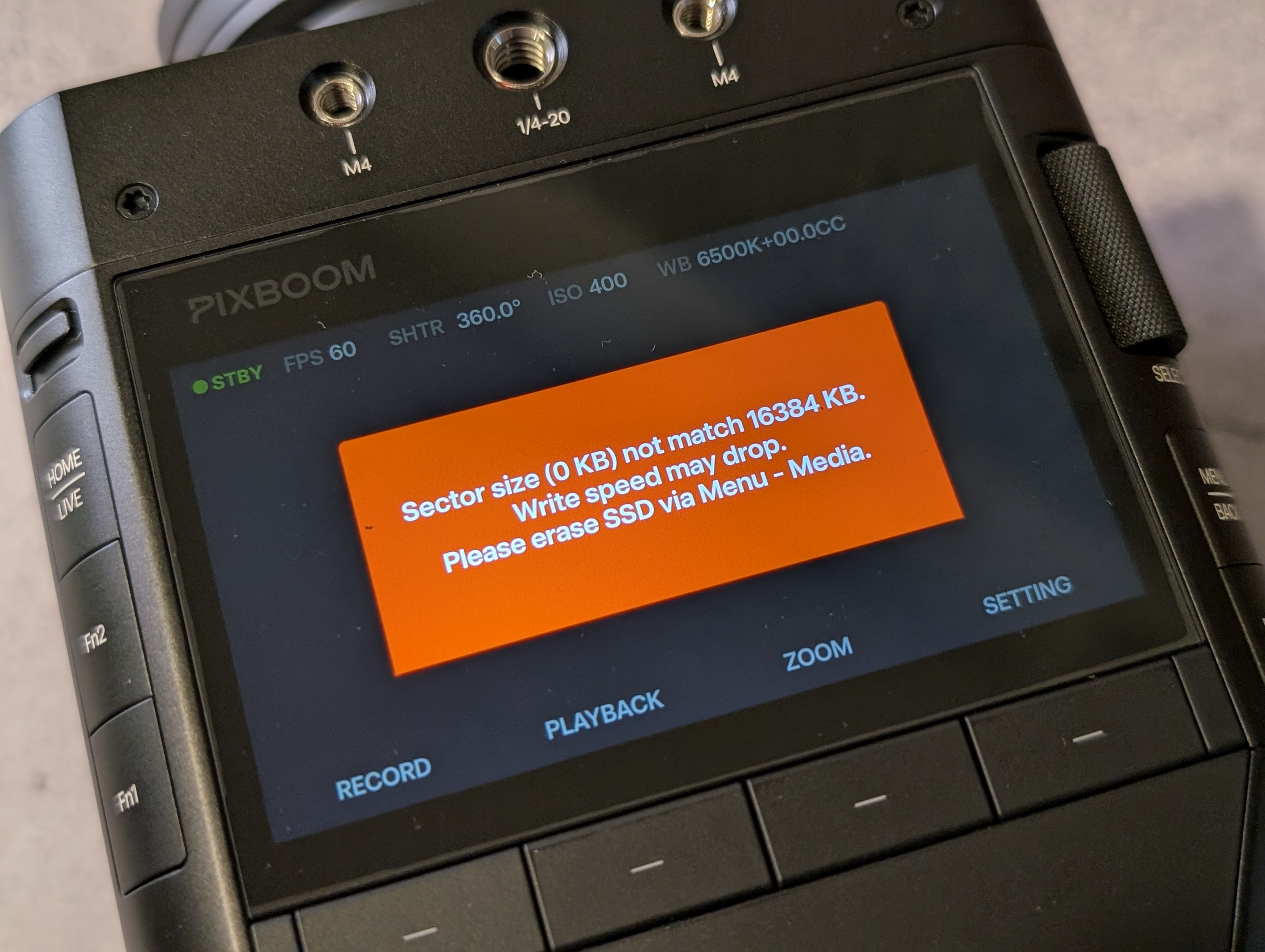
Booting up the camera without media installed takes ~3m30s (and delivers an error message once booted - see picture). I thought there was something wrong with my camera at first. Bootup with media installed takes ~30s.
Iris changes can only be made on the home screen, not the live screen, so I can’t see what exposure looks like while making iris changes (on the built in screen).
Sigma 18-35 autofocus not working (EF Mount). I don’t see any tap to focus and the only way to get it to electronically focus involves me jumping into Menu>Info>Lens and there is a bar I can drag to change focus, but even then it only moves a tiny bit (less than a foot) and isn’t consistent.
Anamorphic desqueeze ratio - Not really a bug, so much as a missing ratio. 1.8x is fairly common (Cooke, Sirui, Great Joy, etc.), so it would be nice if that could get added.
One more thing, the dedicated MENU/BACK button (the one by the scroll wheel) works on the top level menu screen, but not once you pick an option to adjust. Once you’re one menu deeper than the main screen, you have to use the temporary BACK button (either the touch-screen button or the physical button beneath it), as the dedicated MENU/BACK button on the side doesn’t do anything.
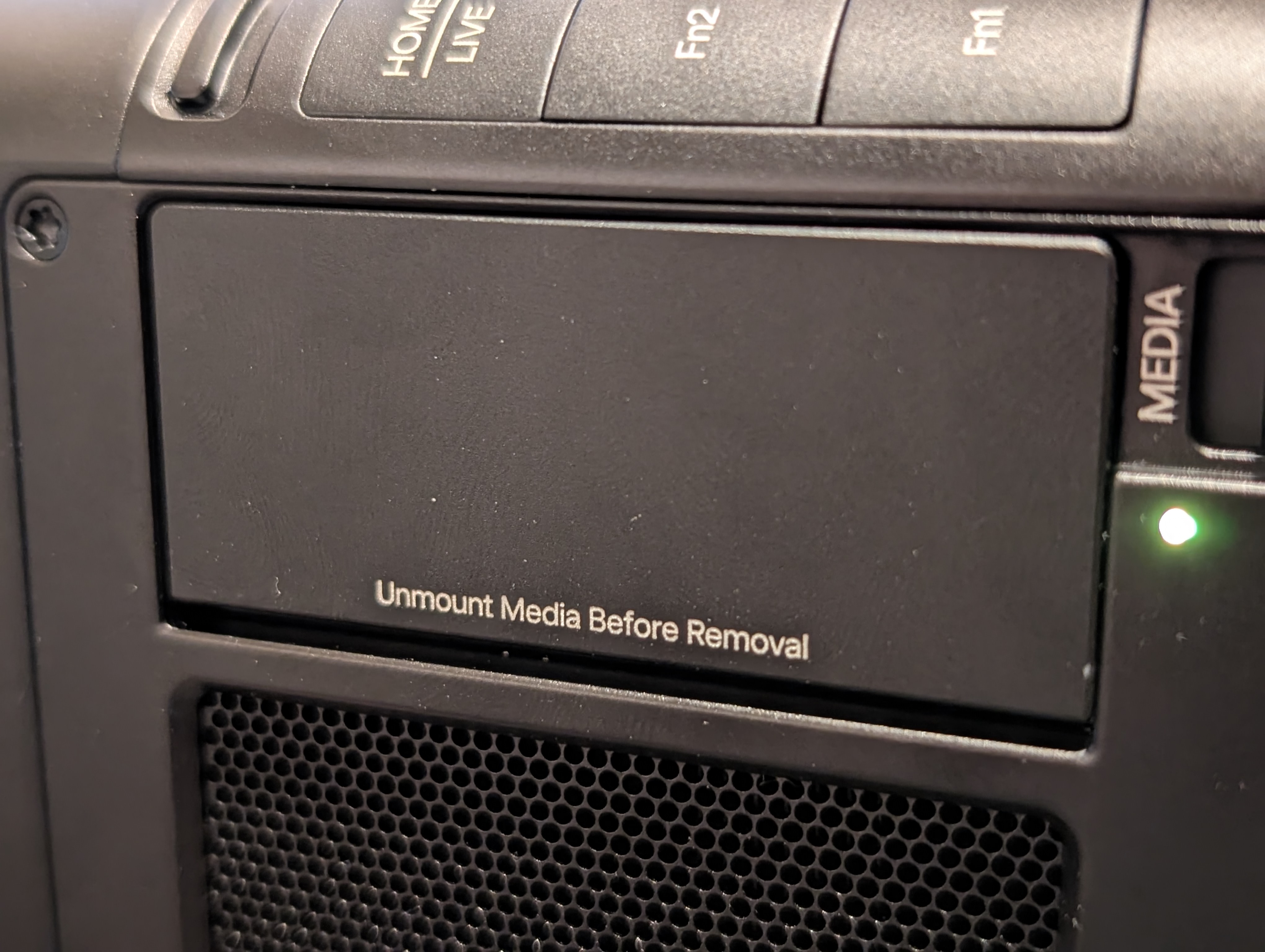
I noticed another thing: the media door says to “Unmount Media Before Removal,” but there’s no option to do that in the menu, unless I’m just not seeing it. What’s the proper procedure for unmounting?
My camera only boots up to a white screen, I turned it on once and then removed media after not finding an unmount option anywhere. Now the camera won’t boot back up. Any suggestions on how to get it working again
Yeah, I ment to message you about that when I heard you had pulled your card out live. Personally think we should be turning off the camera prior to yanking the card for now until a proper unmount system is in place.
Another thing I was hoping @young could weigh in on is the camera seems to Hard cut power when turning off vs a soft shutdown as most cinema cameras will do. Does the sensitive items do a soft shut down or are we just yanking the power cord away like a 1995 computer each time we hit that switch?
So on sony Lenses I was able to set my Fn1 and Fn2 buttons to change my iris in the live view screen with some limitations. You cant change it while rolling and you can’t change it while in pre record mode. I also didnt see a way to disengage pre record mode without recording a clip, which was an “issue” if clouds came in and changed my exposure.
I also would love to see the Fn1 and Fn2 buttons be able to select iso or iris (and shutter) and then use the scroll wheel to change them. that way i could have quick change of iso and aperture out in the field on nature projects. In studio not as big of a deal and will hopefully be doing more controlled studio tests monday.
I asked a Pixboom rep at Cinegear today about the unmounting process. He said we currently need to shut the camera down to remove the card. He echoed my experience with the camera locking up if hot swapping cards and said they’d even run into issues with losing footage by pulling cards while powered up. They’re apparently working on implementing the ability to unmount cards in the menu and possibly allow hot swapping. But for now, shutting down to pull the card and reload before powering up again is the proper procedure.
Maybe Pixboom will have that implemented by the time they start shipping to Canada… But it’s a minor inconvenience, knowing that it’s going to be addressed soon.
Due to the chip platform and system architecture, the camera can be powered off directly without affecting normal operation or the data on the drive. This is different from a personal computer.
However, we do not recommend powering off directly while recording. Please stop recording first before turning off the camera or removing the media.
I would love to see the camera do a soft power down, vs the hard shut down we have currently… even if it took 2-5 secs longer to shut down… Process would look something like, stop recording, verify file has closed, unmount media. Power down.
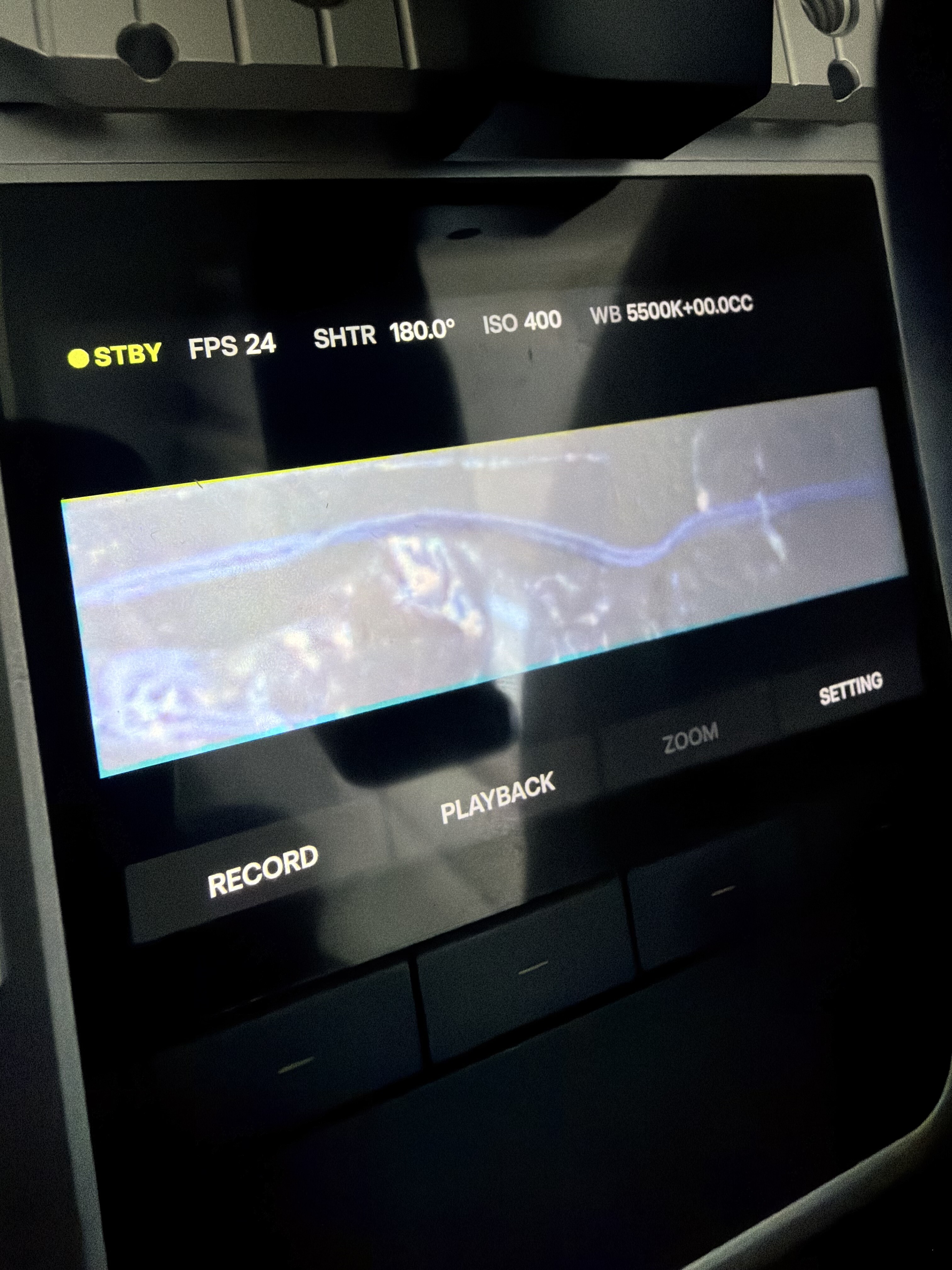
May not be a bug, however I have seen this odd Blue and Yellow appearing at the top and bottom any time I am extreme sensor cropping.. This was 256x32 I think.
As this is the first time ever cropping this extremely on a sensor I don’t know if this is a bug or just some magnification of lens CA on the edges.